Server Saga
The Great Homelab Server Rebuild of 2026
Pre-March 2026
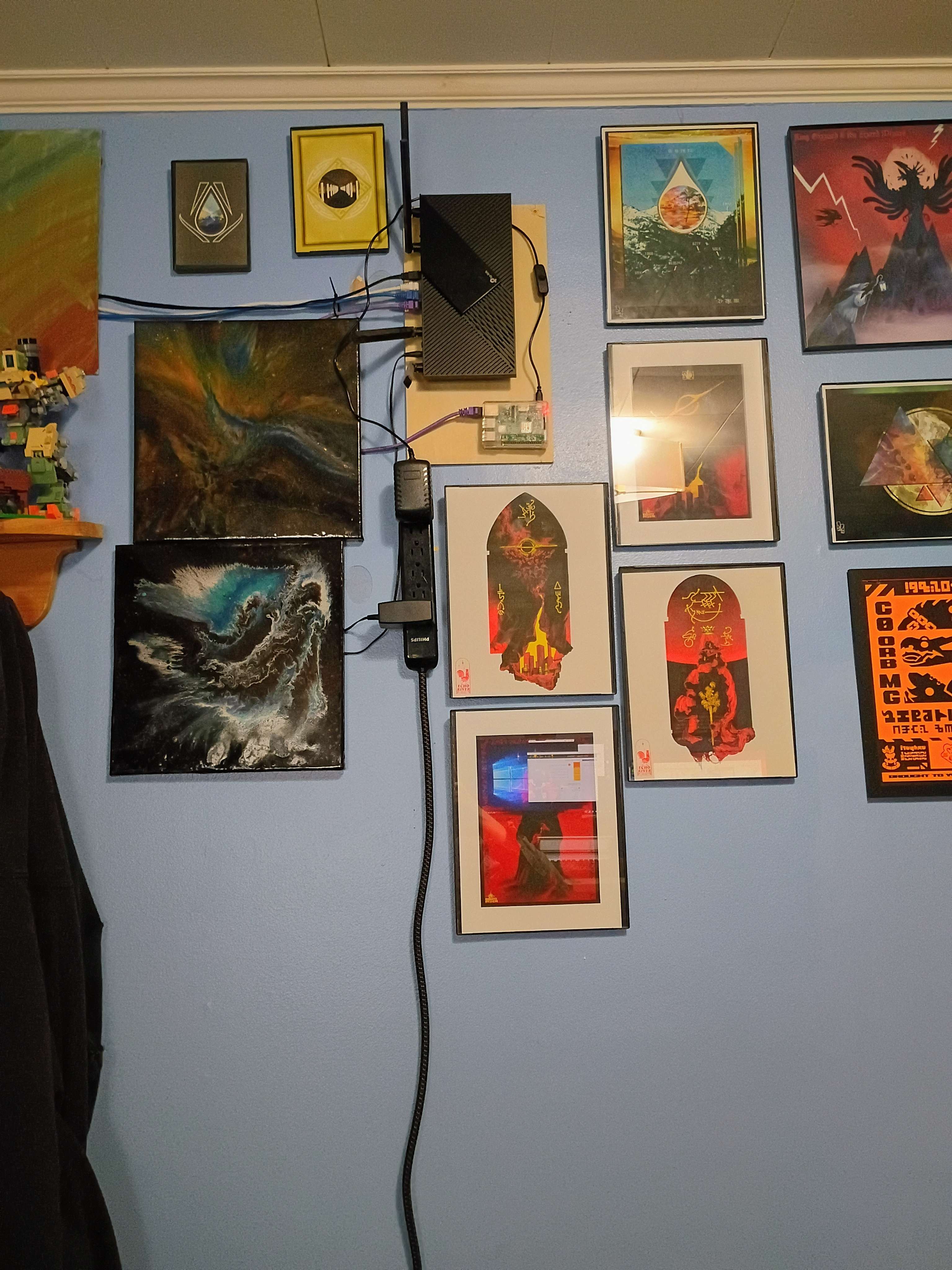
I had a RasbPi 3 I used as a homelab server/seedbox. Been mounted next to my router for around 8 years or so. It was having issues, so needed to fix the software on it. Eventually replaced it. The following is that almost 4 month adventure.
3/29/26
Noticed my seed box wasn't working correctly. Ports where showing closed, unconnectable. Had a weekened free so took a crack at it. It ended up opening a whole can of worms for me. What I learned was... not the best.
I am currently in the middle of what can only be described as a live excavation of my own past stupidity and maybe someone out there might understand the specific spiritual damage caused by old Linux boxes.
I have a Raspberry Pi 3 Model B Rev 1.2 that I apparently set up around 6 to 8 years ago to run Deluge headless, plus PIA over OpenVPN, plus god knows what else. I say “apparently” because at this point I no longer remember configuring any of this. Every time I touch it, I find another layer of nonsense and think, “what kind of idiot did this?” and then unfortunately the answer is me. I did this. I built this haunted little nightmare box with my own hands.
My original goal was simple, or so I foolishly believed:
- check whether PIA port forwarding was still working
- maybe replace the old OpenVPN mess with the official PIA app
- get Deluge using the right forwarded port again
Instead, I have fallen down a staircase made entirely of more staircases to fall down.
Step 1: Figure out what this thing even is
First I checked the Pi model:
Raspberry Pi 3 Model B Rev 1.2
Okay. Ancient, but not fossilized beyond recognition.
Then I checked the architecture:
armv7l
So this thing is running 32-bit ARM, because of course it is. Why would anything be easy.
Step 2: At least the VPN is alive, somehow
I confirmed the VPN itself is still connecting. The Pi is using OpenVPN, and an IP check showed it was exiting through Montreal. The config in use was:
/etc/openvpn/ca_montreal.conf
And looking through that config was an incredible experience because it was just a normal boring OpenVPN config. No obvious magic. No obvious port-forwarding helper. No obvious explanation for how Past Me expected this all to work. Just a blank stare from six years ago.
At this point I started to suspect one of two things:
- I had some side script doing the port forwarding and forgot about it
- or it simply wasn’t working anymore and I had been coasting on vibes
Step 3: Websites say the port is closed, so clearly it’s time to make everything worse
Since sites were reporting the torrent port as closed, I decided that instead of tracing through my ancient OpenVPN spaghetti, it would be smarter to install the official PIA app and clean this up.
This was the moment I stepped off the cliff.
At first I installed the wrong Linux version, because apparently I enjoy self-harm as a hobby. Then I found the armhf version, which seemed more correct for my armv7l setup.
Step 4: The app was installed, but reality itself was too old
Tthat’s when the real answer finally came shambling out of the dark:
GLIBC_2.28 not found
And also complaints about libstdc++ being too old.
At this point I achieved a kind of horrible clarity.
The problem was not:
- the launcher
- the path
- the binary missing
- me forgetting to type ./ before a command, although that did also happen because Linux loves humiliation
The actual problem was that my OS is so old it might qualify for carbon dating.
Step 5: Confirm the operating system is, in fact, from the Mesozoic era
Checking the OS showed I am running Raspbian Stretch.
Stretch.
Stretch.
I have apparently been trusting important network functions to an operating system old enough to have memories of the Roman empire.
This also explained why the installer initially started screaming about APT errors and 404s. The repos were busted because, shockingly, the modern internet has moved on from my antique nonsense.
So now I know:
- the Pi is on Stretch
- the PIA app wants newer libraries
- the app is not going to run on this install unless I upgrade the OS
Step 6: I considered backing up configs, then remembered I no longer trust myself
At first I thought about manually backing up Deluge configs and OpenVPN configs and whatever else is living in this cursed shitbox.
Then I realized that would require me to know where everything is, and that confidence would be misplaced.
So I decided the safest thing was to make a full image backup of the SD card on Windows using Win32 Disk Imager, because at this point if I brick the thing I want a full snapshot of the crime scene before I continue.
Of course the Pi runs off a 1tb SD card, so it'll take about a day to make an image of the card.
So now I have three possible directions while this backs up:
- Option 1: keep the old OS and go back to manually figuring out OpenVPN + Deluge port forwarding
- Option 2: do the cursed in-place upgrade path from Stretch -> Buster -> Bullseye and see whether the PIA app will run after that
- Option 3: accept that Past Me was a drooling idiot, wipe the Pi, and rebuild it cleanly like a civilized person
Naturally, because I am incapable of choosing peace, I am strongly considering Option 2: Pain.
Lessons learned from this nightmare
- If you haven’t touched a Pi in six years, assume it has become sentient and hostile.
- If
uname -msaysarmv7l, don’t install random desktop Linux packages and hope for the best. - A broken launcher can distract you from the much worse reality waiting underneath.
- If you see
GLIBC_2.28 not found, the OS is not “a little behind.” It is old enough to vote. - If you find yourself saying “who built this mess,” prepare emotionally for the answer to be “yourself.”
Questions for anyone who has also ruined their own life this way
- Has anyone successfully upgraded a Pi 3 from an ancient Stretch install far enough to run the modern PIA app?
- Is the in-place upgrade route actually survivable, or am I just choosing a slower, funnier death over a clean reimage?
- If I abandon the app idea, has anyone gotten modern PIA port forwarding behaving nicely with Deluge on a manual OpenVPN setup?
I am going to go stare at this SD card image progress bar and reflect on my sins and hope God forgives me.
4/1/26
After sweating in the Linux mines for 5 days, I got it all working.
This turned into the exact sort of train wreck I was expecting.
Finished the backup of the SD card
Fixed the dead Stretch repos
The Pi was so old the normal package mirrors were gone, so the repo URLs had to be changed just to make updates work.
Tried the PIA app and immediately hit a wall
Found out Stretch was way too old for the current PIA app because the system libraries were ancient.
Upgraded Stretch to Buster
Changed the repos to Buster, ran the upgrade, and started the long chain of broken stuff.
Networking immediately became borked
After rebooting, the Pi kept losing network and only came back if dhcpcd was restarted manually. Fixed this in a super hacky way, editing cron to restart dhcpcd after a reboot. @reboot sleep 30 && systemctl restart dhcpcd
Kept pushing to Bullseye anyway
Did the same repo swap again and forced the Pi through another round of package conflicts and mirror nonsense.
Bullseye broke Deluge
Found out Bullseye’s Deluge package was busted, so Deluge stopped working properly even though the rest of the box was limping along.
Upgraded Bullseye to Bookworm
Went for the next jump too, because at that point there was no turning back.
Hit the boot partition mess
The upgrade expected /boot/firmware, but the Pi was still set up the old way, so firmware packages failed until fstab was fixed.
Ended up with no proper GUI
After Bookworm, the system would boot to a black screen with a blinking cursor instead of the desktop, so the GUI was effectively dead.
Had to force text-mode boot just to work on it
Edited cmdline.txt to boot into multi-user.target so the Pi would stop trying to launch the broken desktop and become usable again.
Chased the GUI failure through logs and dead ends
LightDM looked fine at first, but X kept crashing with no screen, so this turned into a full display-stack autopsy.
Found the kernel/userspace mismatch
The Pi was on Bookworm userspace but still booting an old Bullseye-era kernel, which explained why graphics and /dev/dri were broken.
Installed the correct newer kernel
Got the Bookworm kernel package in place so the Pi would finally boot the right kernel instead of the ancient leftover one.
Still no GUI because graphics config was wrong too
Even after the kernel was fixed, the desktop still failed until the proper vc4-kms-v3d ovrlay was added back into config.txt.
Finally got the GUI back
After the overlay fix, the desktop actually came back instead of dumping to the blinking cursor again.
Restored Samba
Samba had ended up masked/disabled during the chaos, so it had to be unmasked and started again for Windows shares to work.
Restored Deluge seeding
Got Deluge back up and all my torrents started seeding again.
Found the Deluge config split
Realized the service daemon and the desktop/manual side were using different config paths, which is why thin client access and UI changes weren’t matching up.
Started untangling the daemon access issue
Tracked the service-managed daemon to /var/lib/deluged/config and started fixing remote access there.
PIA GUI was still a mess
Even after the OS upgrade, the PIA app went from graphical corruption to a black box, so it still wasn’t really usable.
VNC/display backend got weird too
Switching the display mode/backend to troubleshoot the PIA app ended up breaking VNC access, so remote GUI access became its own side quest.
Nuked PIA and Deluge after backing up my Deluge state, because at that point I had fully accepted that the only way out was through.
Honestly, I should have just reimaged the thing from the start. But then what's the fun in that?
So after all the OS upgrade misery, I started over clean with the actual apps.
That turned out to be its own little side quest, because Deluge had apparently developed split personalities over the years. The daemon service was using one config path, while the config I actually cared about, the one with all my real torrent state in it, lived somewhere else entirely. So naturally the thin client, the service, and the UI were all behaving like they had never met each other before.
I backed up the Deluge state, wiped Deluge and PIA, reinstalled both, then restored the correct Deluge config. That at least brought all my torrents back, which was the first moment in this saga where I experienced something close to joy.
Then Deluge immediately started trying to ruin my life again because I restored plug-ins deployed during the Obama administration. Disabled the old plugin junk, got the daemon behaving again, and got the thin client talking to it properly.
At that point I finally accepted that the PIA GUI app was never going to stop being cursed on this box. Even after the OS upgrade, it was still doing weird graphical nonsense, black-screen nonsense, and VNC-breaking nonsense. So I gave up on the desktop app and switched to the manual PIA/WireGuard scripts instead.
That was actually the right move.
So the end result now is:
- PIA runs headless over WireGuard
- Deluge starts normally again
- PIA grabs a forwarded port
- that port gets written into Deluge automatically
- Deluge binds to the VPN interface instead of just vibing on whatever interface it wants
- the thin client can connect normally again
Which is a very funny amount of reconstruction work for what started as “hey, is port forwarding still working?”
So the full adventure ended up being:
- fix dead Stretch repos
- drag Stretch to Buster
- drag Buster to Bullseye
- watch Bullseye break Deluge
- drag Bullseye to Bookworm
- fix the boot/firmware path mess
- discover the kernel/userspace mismatch
- fix graphics and get the GUI back
- restore Samba
- untangle Deluge config path insanity
- wipe and rebuild PIA/Deluge
- ditch the broken PIA GUI
- replace it with headless WireGuard + port forwarding
- script Deluge to follow the forwarded port automatically
Time to never touch this box for the next 8 years again.
(Foreshadow, I replace the device in less then 2 weeks)
4/23/26
The Seedbox Migration Project
A rundown of what it took to move my seedbox from a Raspberry Pi 3B to a proper x86 mini PC and turn it into a full media server. Spoiler:
Starting Point
- Raspberry Pi 3B running Deluge with 1,431 torrents
- 1TB microSD card as storage, years old and suffering
- SMB transfers off the Pi capped at around 10 MB/s (we used to think USB 2.0 was fast!)
- Goal: move to faster hardware, add a media server, keep all the torrent seeding history intact without being branded a leech on every private tracker I'm on
Hardware Selection
- Considered some options: Pi 5 with SATA HAT, UGREEN NAS, maybe custom Mini-ITX build?
- Realized I already had a Dell OptiPlex 3080 Micro sitting around, plus a Lenovo M70q and three M910qs in the basement.
- Picked the Dell 3080 Micro: 10th gen i5, Intel QuickSync for hardware transcoding, slightly quieter fan than the Lenovo
- 32GB RAM, 512GB NVMe for OS, 2TB SSD for storage
- Wall-mounted next to the router. 3D printed and painted a nice little cubby for it.
OS Installation
- Installed Debian 13 "Trixie" (current stable)
- Did the full install because I wasn't paying attention
- Forgot to check the SSH server box in tasksel. Classic
- Spent a full two hours trying to get VNC working
- Turns out GNOME on Wayland hates every open-source VNC solution ever made
- TigerVNC broke. x11vnc broke. XFCE-as-fallback broke
- Finally installed RealVNC, which worked immediately...
- Dell's power button started doing a weird blink pattern at some point. Ignored it. Probably the CMOS battery. But then the Dell wouldn't autoboot, since it kept getting stuck at POST saying the time was wrong. Replaced that.
Docker Stack Setup
- Built a docker-compose stack with four containers to start
- gluetun for PIA VPN (kill switch built in via container networking)
- Deluge routing all traffic through gluetun
- Jellyfin on host network with GPU passthrough for QuickSync
- Samba on the host for Windows SMB shares
- Custom port-sync sidecar I wrote in Python to hot-update Deluge's listen port via JSON-RPC whenever PIA's forwarded port rotates
Issues During Setup
- PIA no longer supports WireGuard through gluetun, had to use OpenVPN (which is funny cause a few weeks ago I just switched from OpenVPN to WireGuard on the RasbPi)
- Gluetun API endpoint got renamed mid-project (301 redirect was a fun surprise)
- YAML indentation broke the compose file approximately 47 times
- Jellyfin's GPU passthrough required a "render" group that didn't exist on the host. Used numeric GIDs to brute-force past it
- Deluge's AutoAdd plugin crashed the daemon on first boot. Disabled it, re-enabled later, works fine now. -shrug-
The Storage Mistake
- Built the entire Docker stack pointing at
/mnt/storage - Everything working beautifully for two days
- Then noticed the 2TB SSD was never actually formatted or mounted
- All my configs had been writing to a regular folder on the 512GB NVMe boot drive (444GB usable) the whole time
- If I'd started the 828GB data migration before catching this, the drive would have filled up mid-copy
- Caught it, formatted the SSD, mounted it, moved the empty folder structure.
Data Migration
- Pulled SD card from Pi, plugged into Dell via USB-C reader, mounted read-only
- Started rsync on 828GB of torrent data
- Estimated time: 5 hours
- Actual throughput: 10 MB/s
- Actual time: 23 hours
- The SD card is old. It was never going to be fast. But it read every byte without a single error, which is the important part
- Again, running on USB 2.0, the adapter I had was cheap.
- Imported the Pi's Deluge state files into the new containerized Deluge
- All 1,431 torrents resumed without rehashing. This was the biggest single win of the whole project, and the part I was most afraid of. No re-seed penalty on any tracker!
The Port Number That Ate An Hour
- New Deluge web UI completely unreachable after migration
- Turned out the Pi had been running Deluge on port 58847
- Literally every other Deluge on earth uses 58846
- I do not know why Past Me did this. I will never know
- One character fix. Thirty minutes of confused debugging to find it
Media Server Configuration
- Jellyfin's first scan auto-created a Music library and started analyzing 10,744 audio files
- Fan audibly spun up, CPU at 400%+
- Deleted the music library, computer chilled out
- Added Sonarr and Radarr for automatic file organization
- Set up watch folders in Deluge:
watch-moviesandwatch-tv - Configured per-folder "move completed" paths so downloads auto-sort by type
- Sonarr and Radarr hardlink from
completed-*into/media/tvand/media/movies - Source files stay put, seeding continues, media library gets clean organized names for Jellyfin to match metadata against
Learning Sonarr's Moods
- Sonarr refused to auto-import manually-added torrents: "Download wasn't grabbed by Sonarr and not in a category, Skipping"
- Fix: Deluge labels + matching categories in the Sonarr/Radarr download client config
- Correct workflow took a while to learn: add series in Sonarr first, then drop the torrent in the watch folder, then it all works automatically
- Manual Import UI in Sonarr v4 is hidden at
/wanted/manualimportand I spent a genuinely unreasonable amount of time looking for it
Final State
- Six containers running: gluetun, deluge, deluge-port-sync, jellyfin, sonarr, radarr
- Samba serves network shares to Windows
- 903GB used of 1.8TB available
/media/tvcontains 302GB of organized TV content/media/moviescontains 18GB of organized movie content- Only 65GB of actual disk usage growth from the organization layer. The rest is hardlinks. 255GB saved.
- Full workflow: drop
.torrentinto the correct watch folder, content appears in Jellyfin automatically. Chef's kiss
Still TODO
- Replace stock Dell fan with a Noctua NF-A6x15 (ordered, the stock fan has a tone that is driving me insane)
- Set up some system so friends can stream from Jellyfin remotely
Hopefully I'll never have to do this again. Upgrading in the future should be a lot easier though.
5/5/26
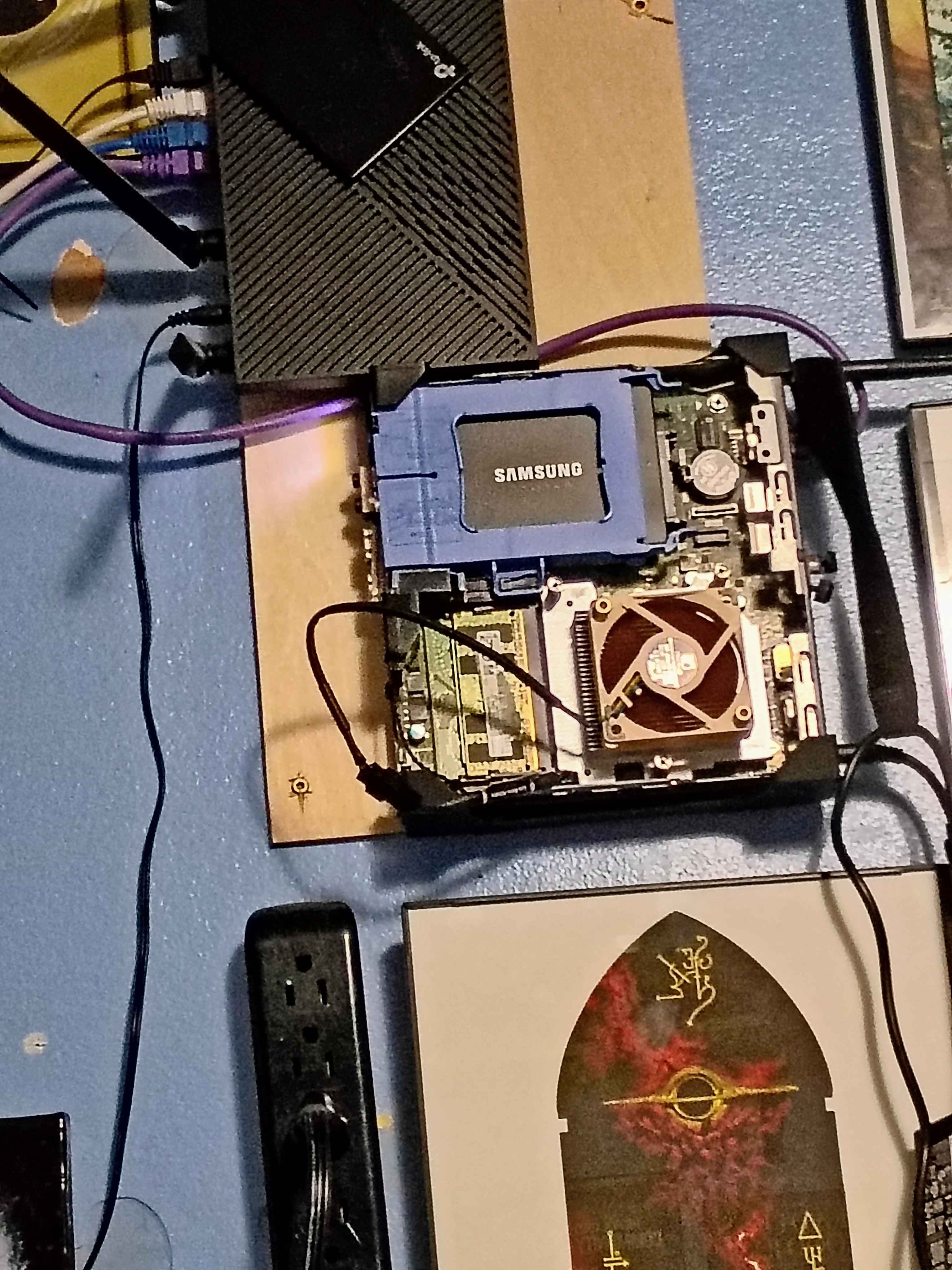
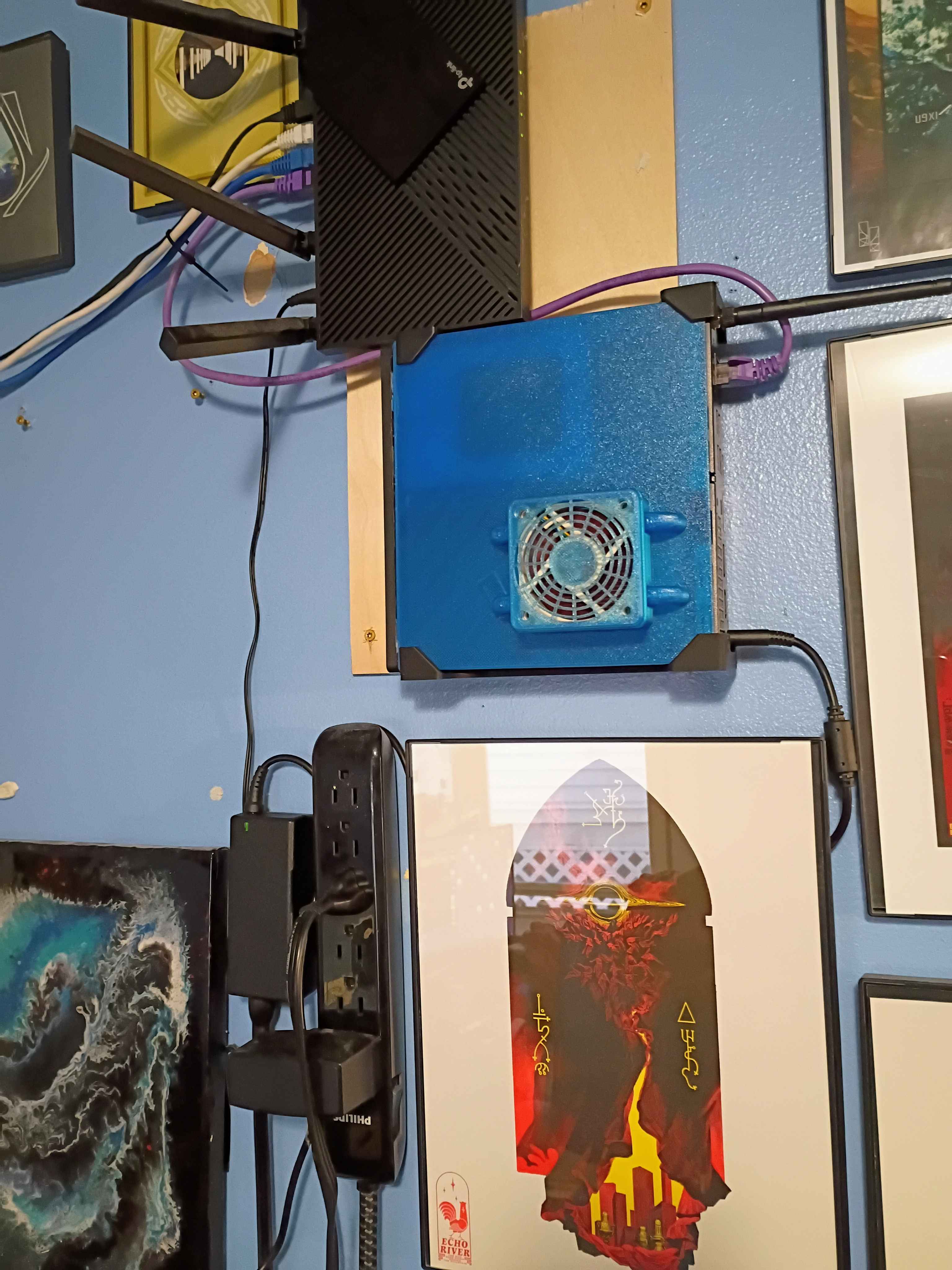
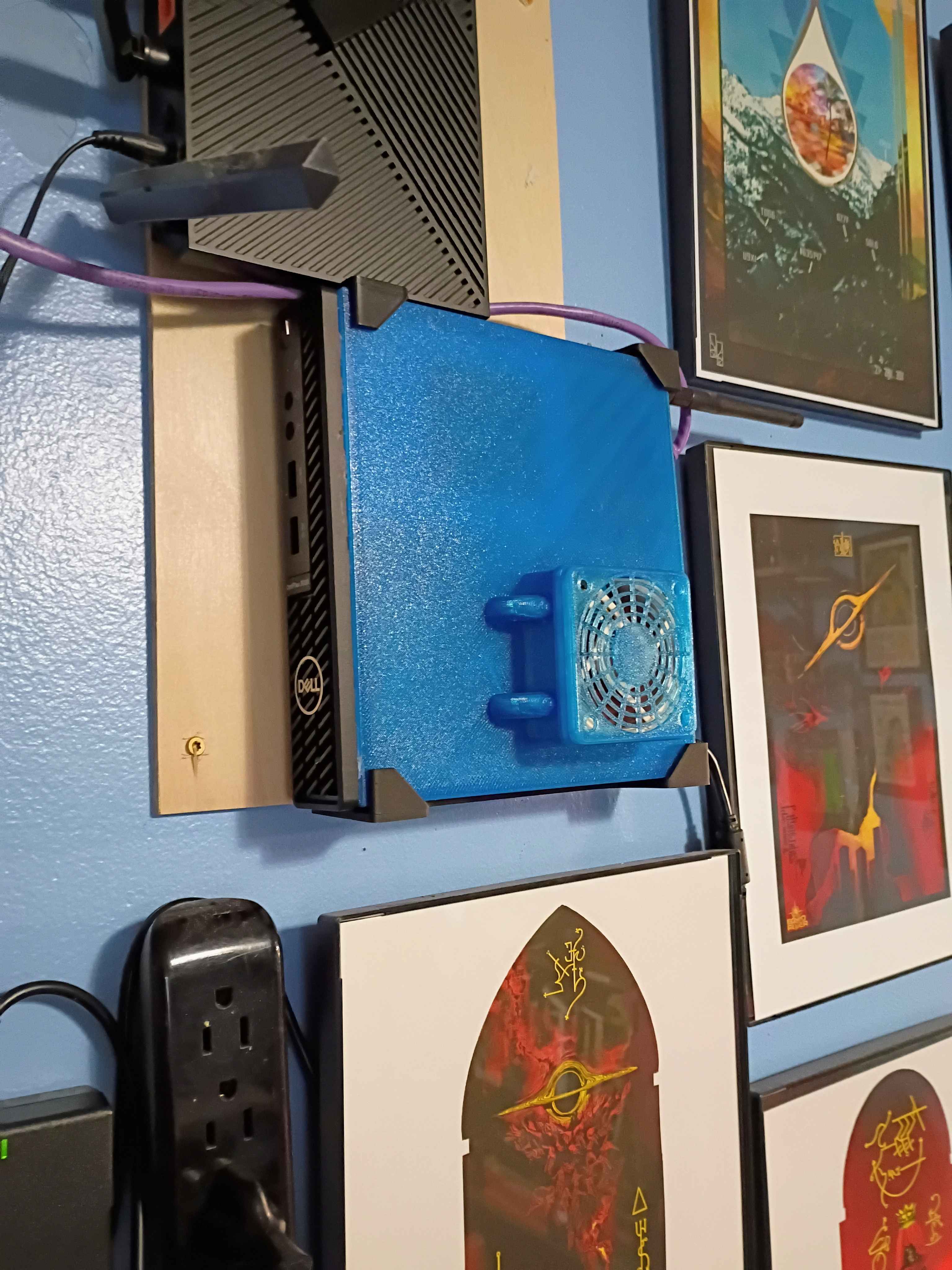
Dell Optiplex had a very high pitched whiney fan, so replaced it, but had to create a new cover since the new fan was bigger.
6/15/26
Ran out of room. Needed to add more hard drives. Bought a 3.5 16tb HDD, modeling an enclosure for it.
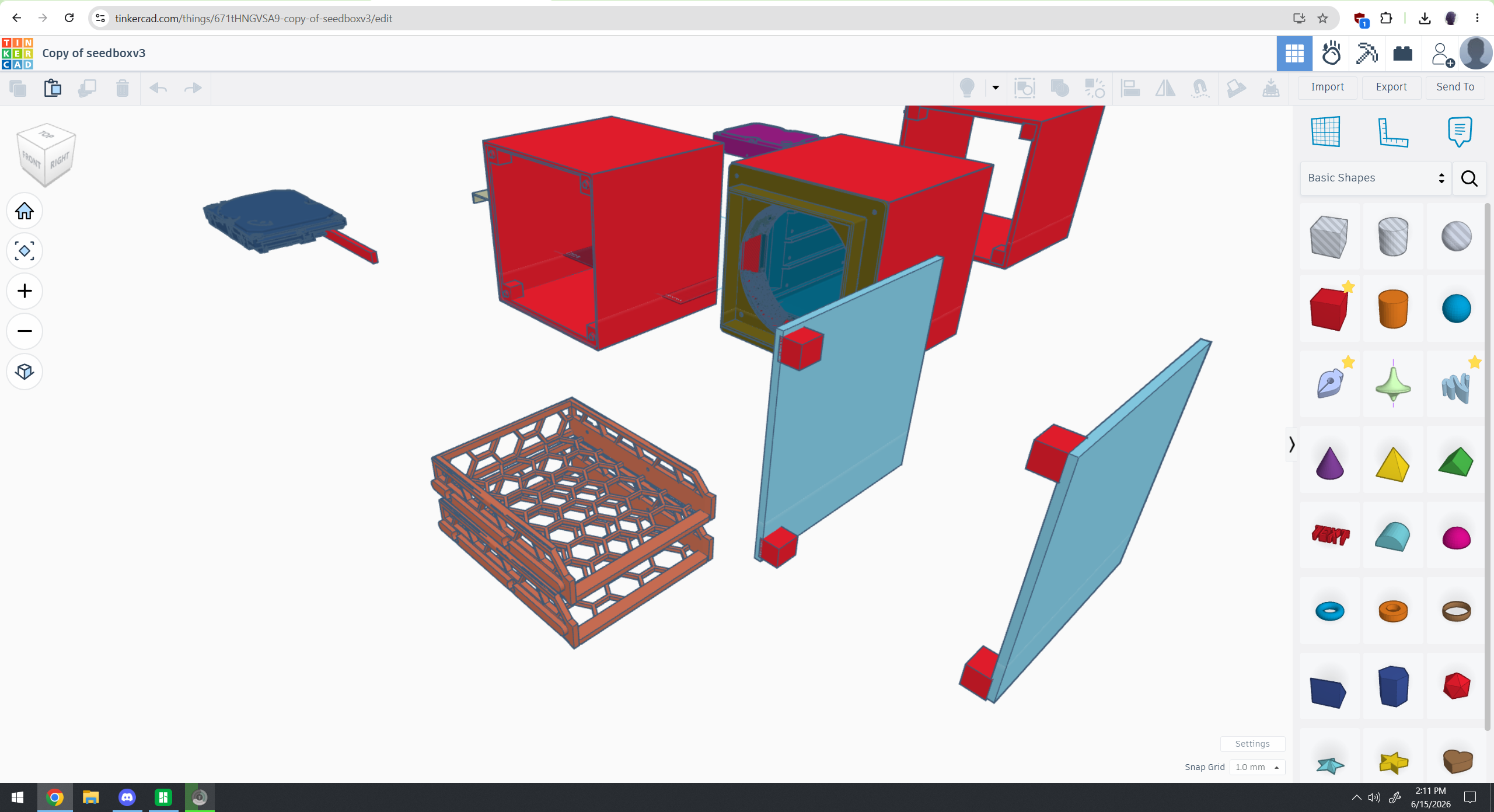
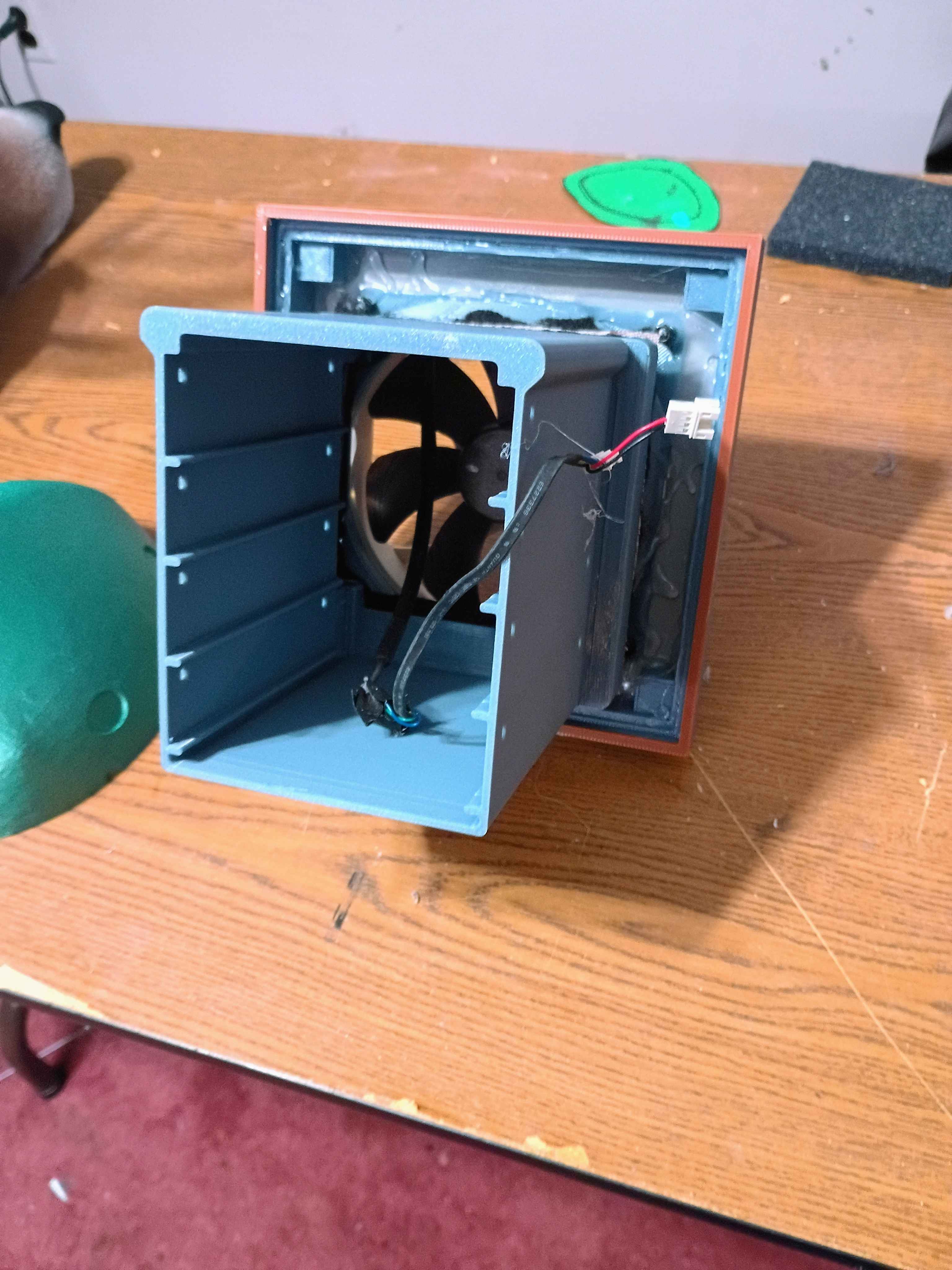
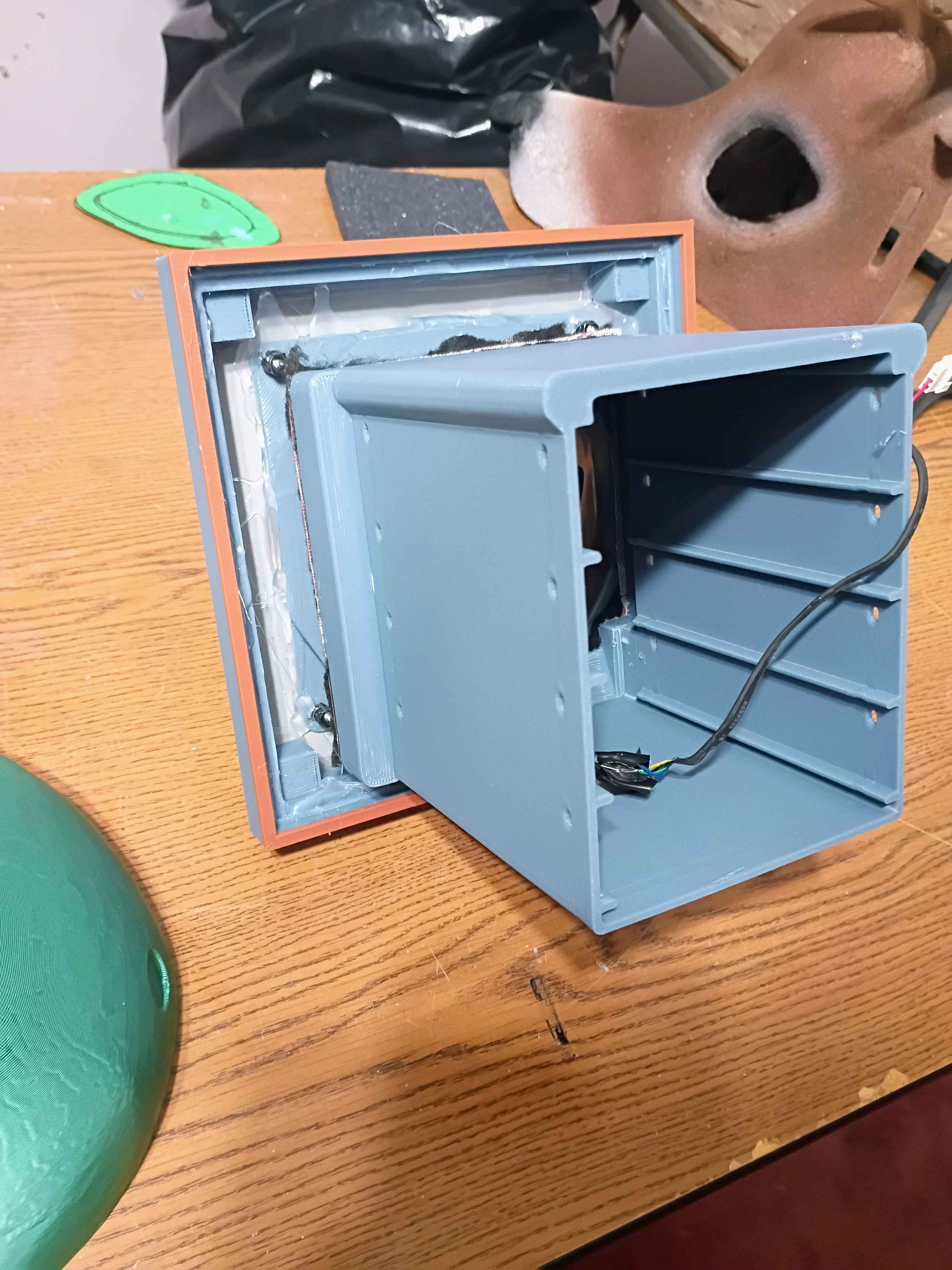
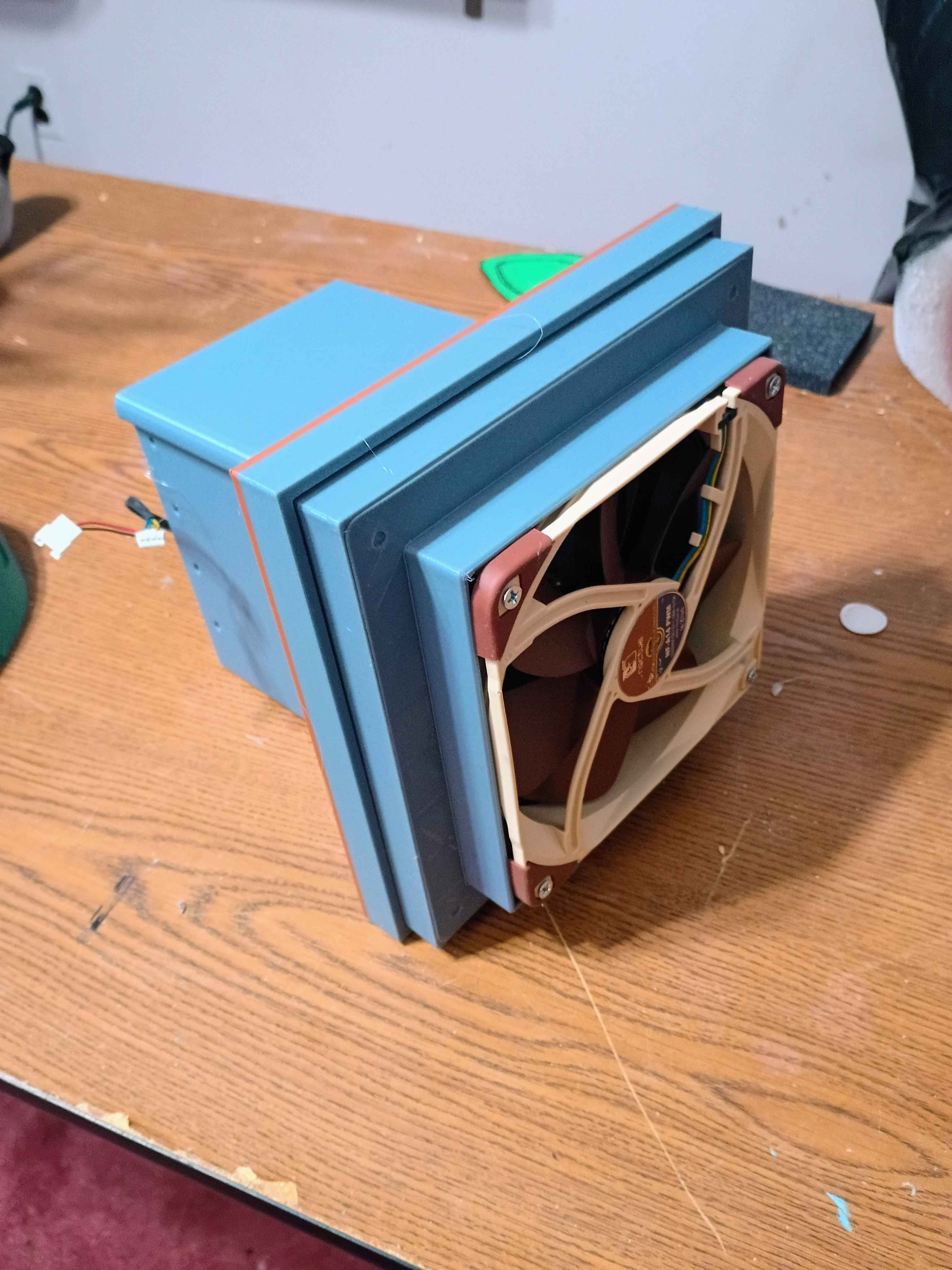
v1 was awful, way to clunky for wall mounting.
6/19/26
v2 much less bulky.
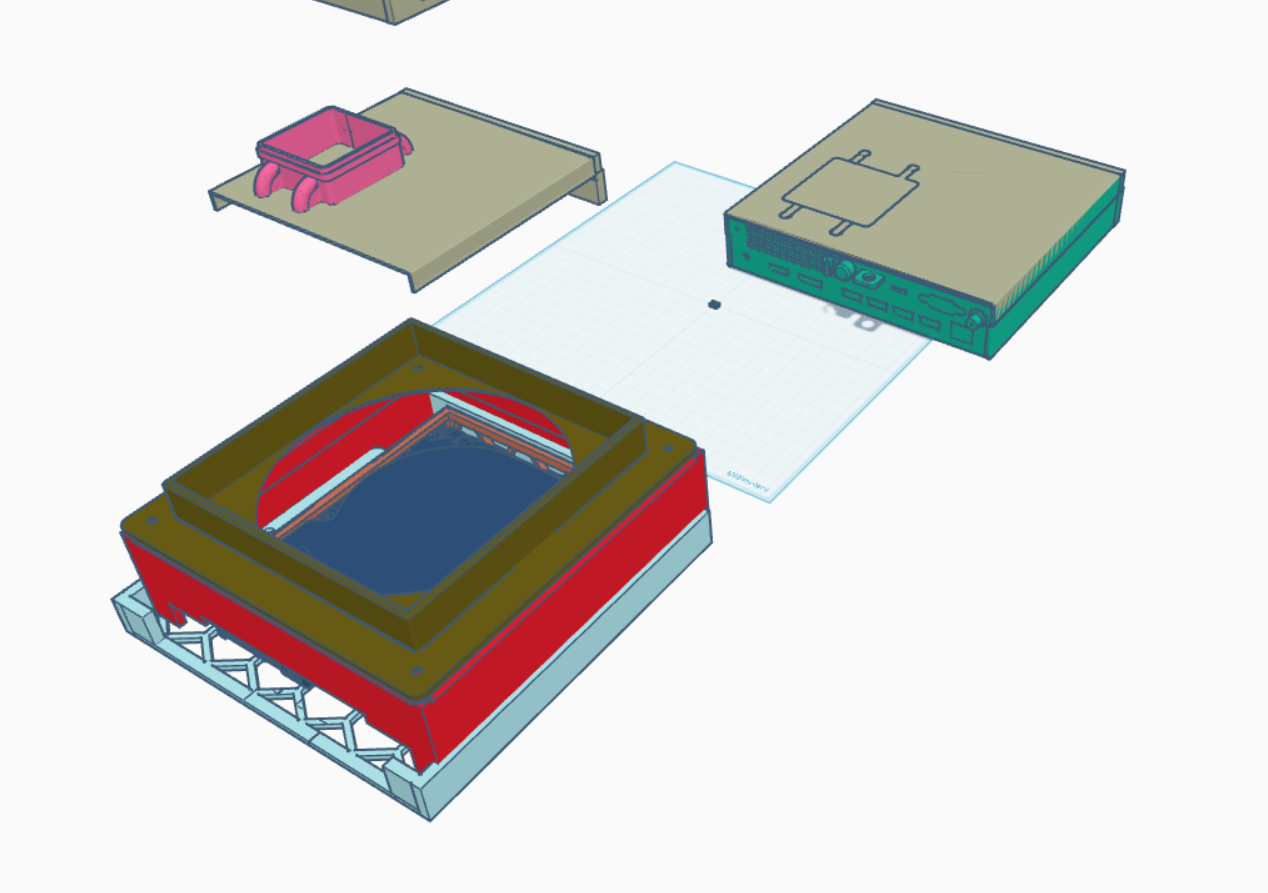
6/21/26
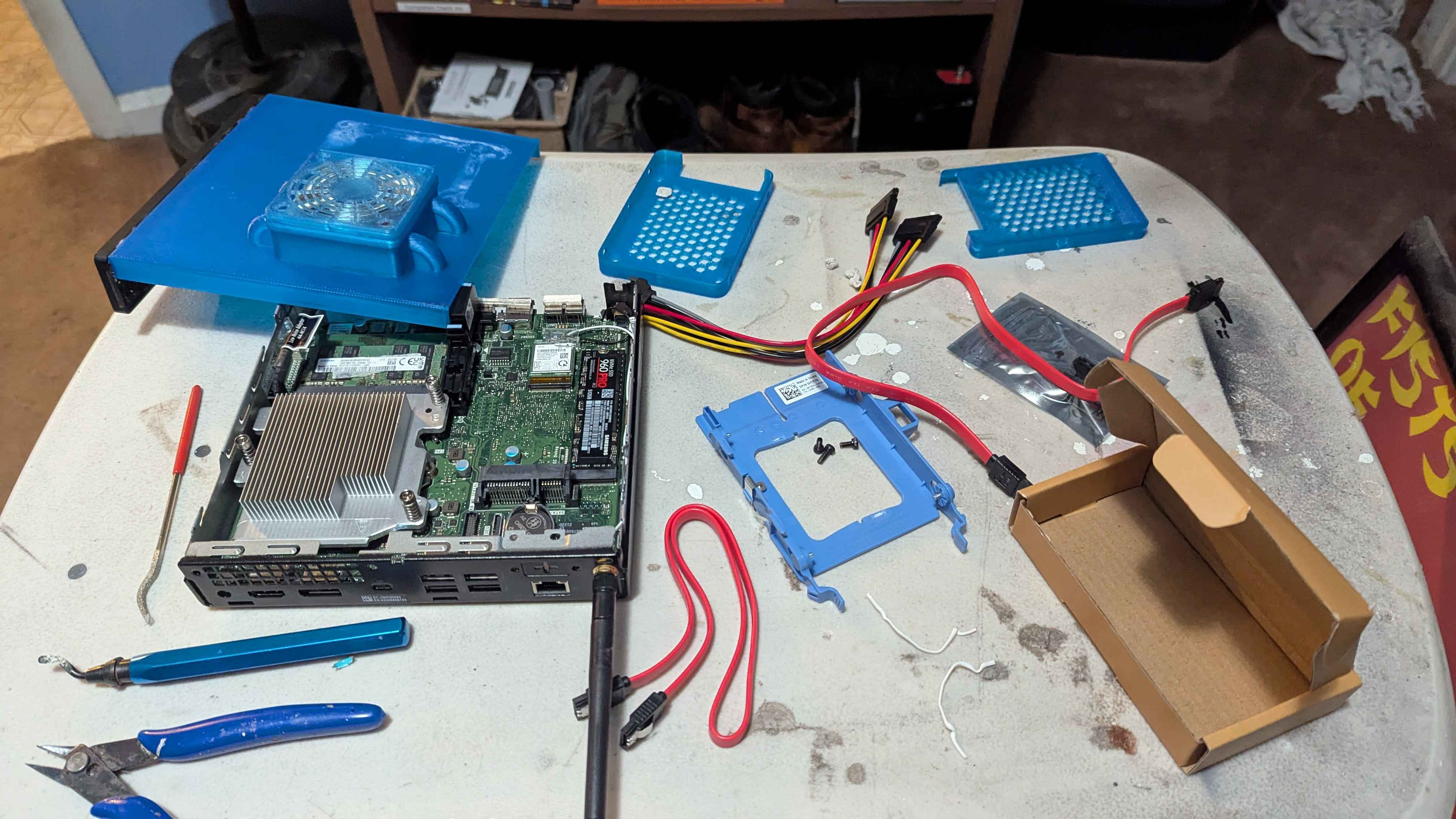
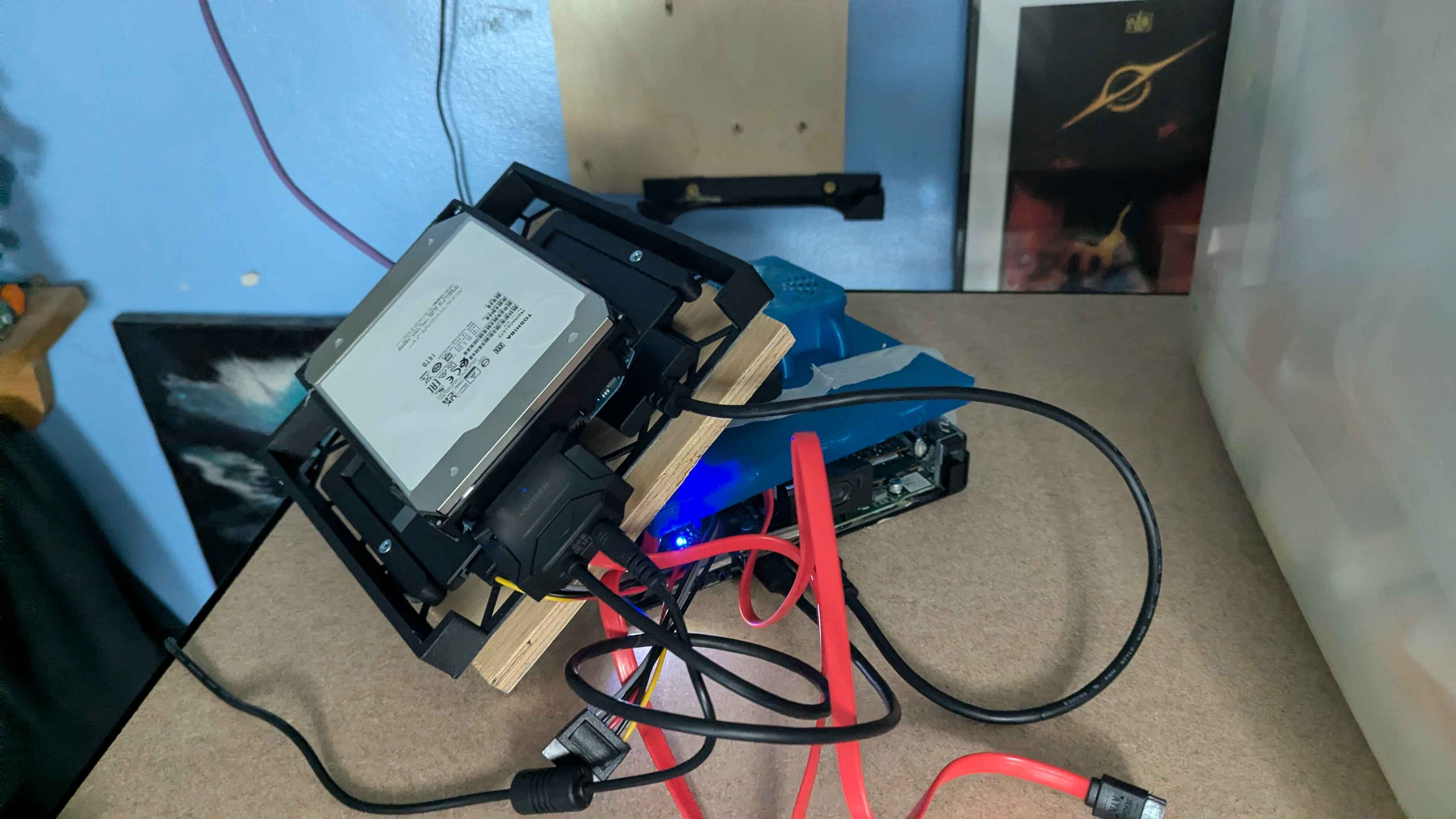
creating a custom mount for two 2.5 ssds and a 3.5 platter HDD. swapped the bluetooth/wifi card in the micro pc for two more sata connections with a m.2 to sata chip. Current issue is the micro pc was never meant to power a 3.5 hdd, and its not supplying enough power, so working on that. got plenty of air flow. used rubber grommets to help dampen noise/vibration. the exposed screws where the 3.5 goes I covered in felt to not short anything out.
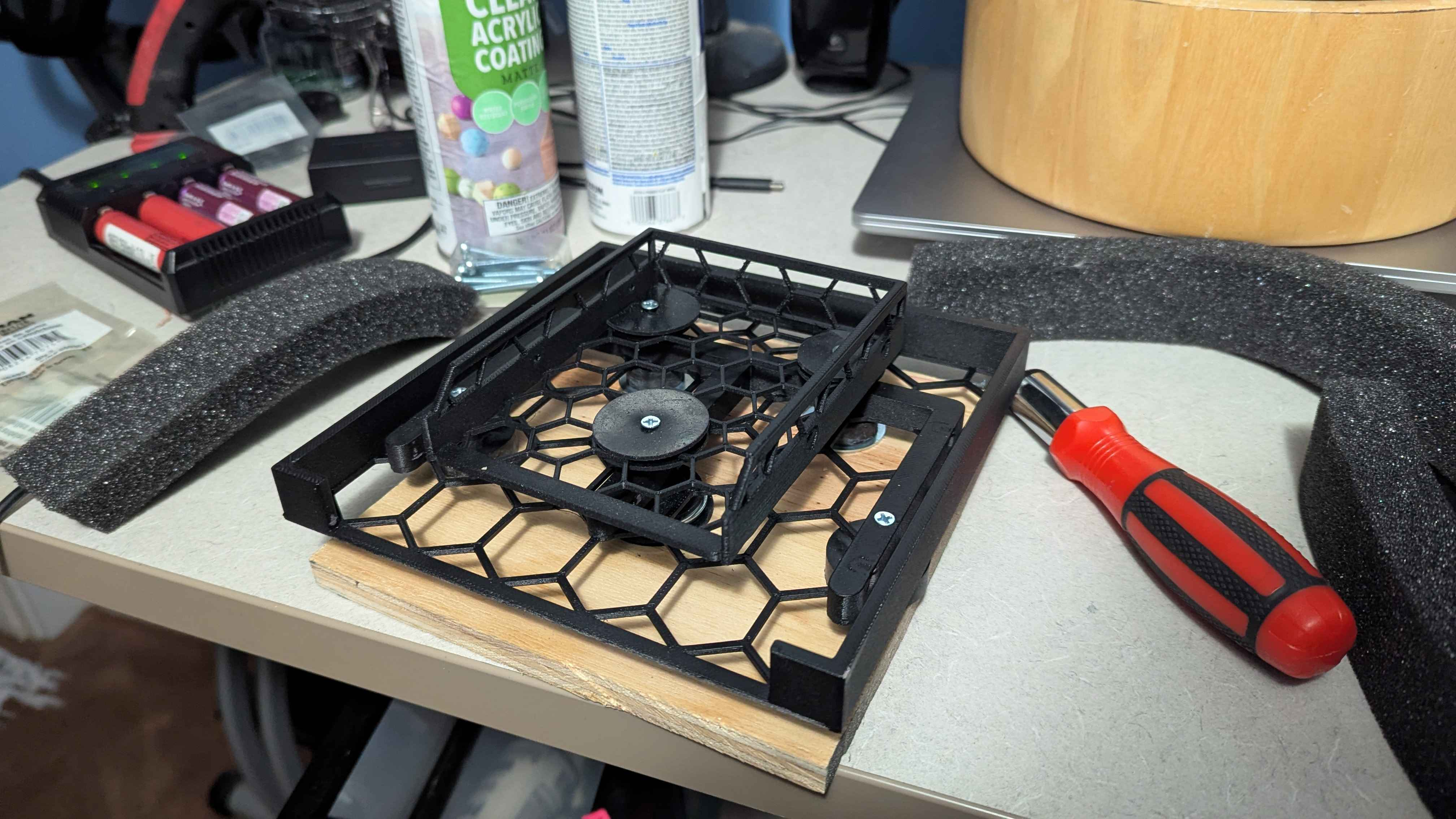
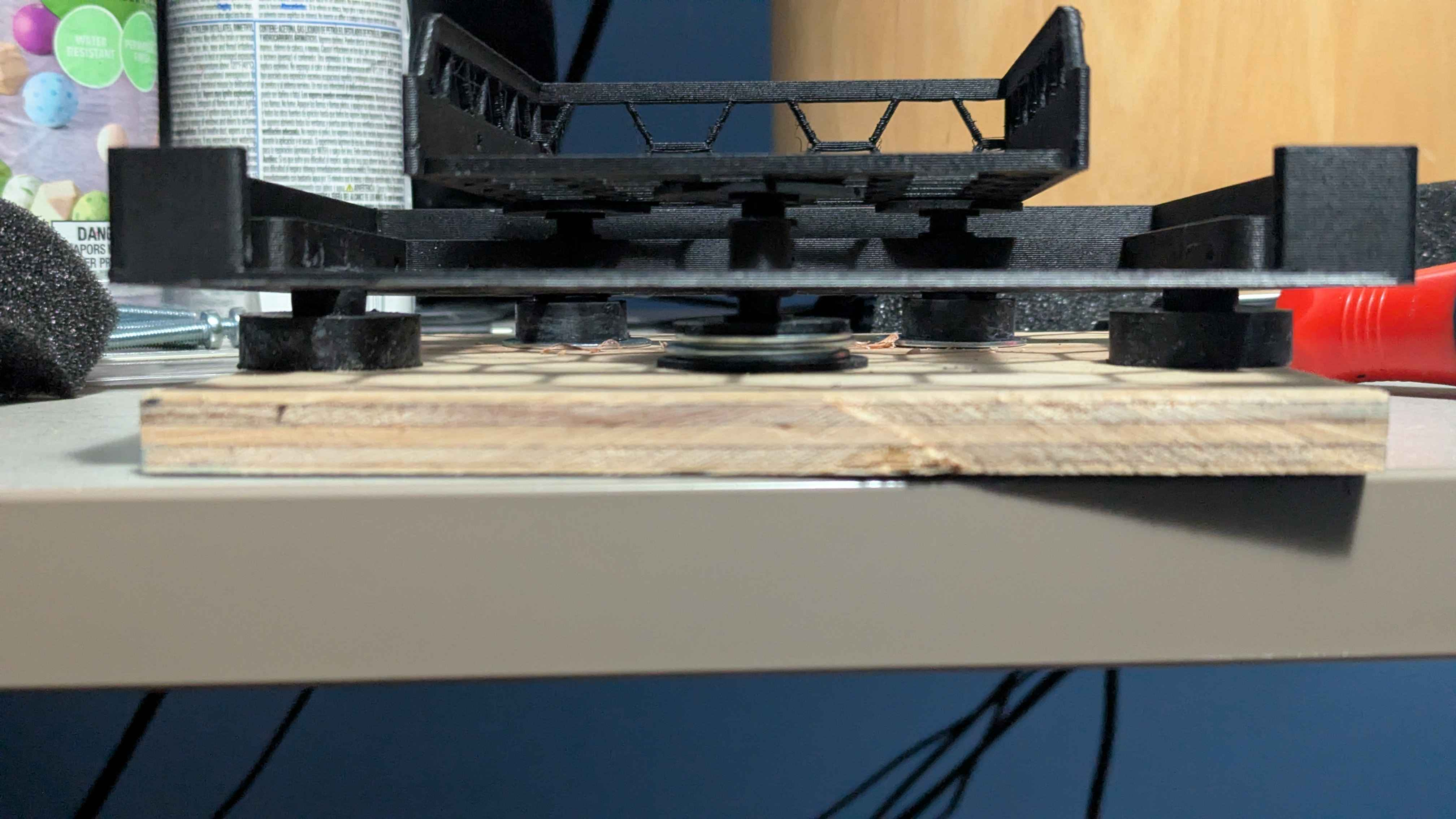
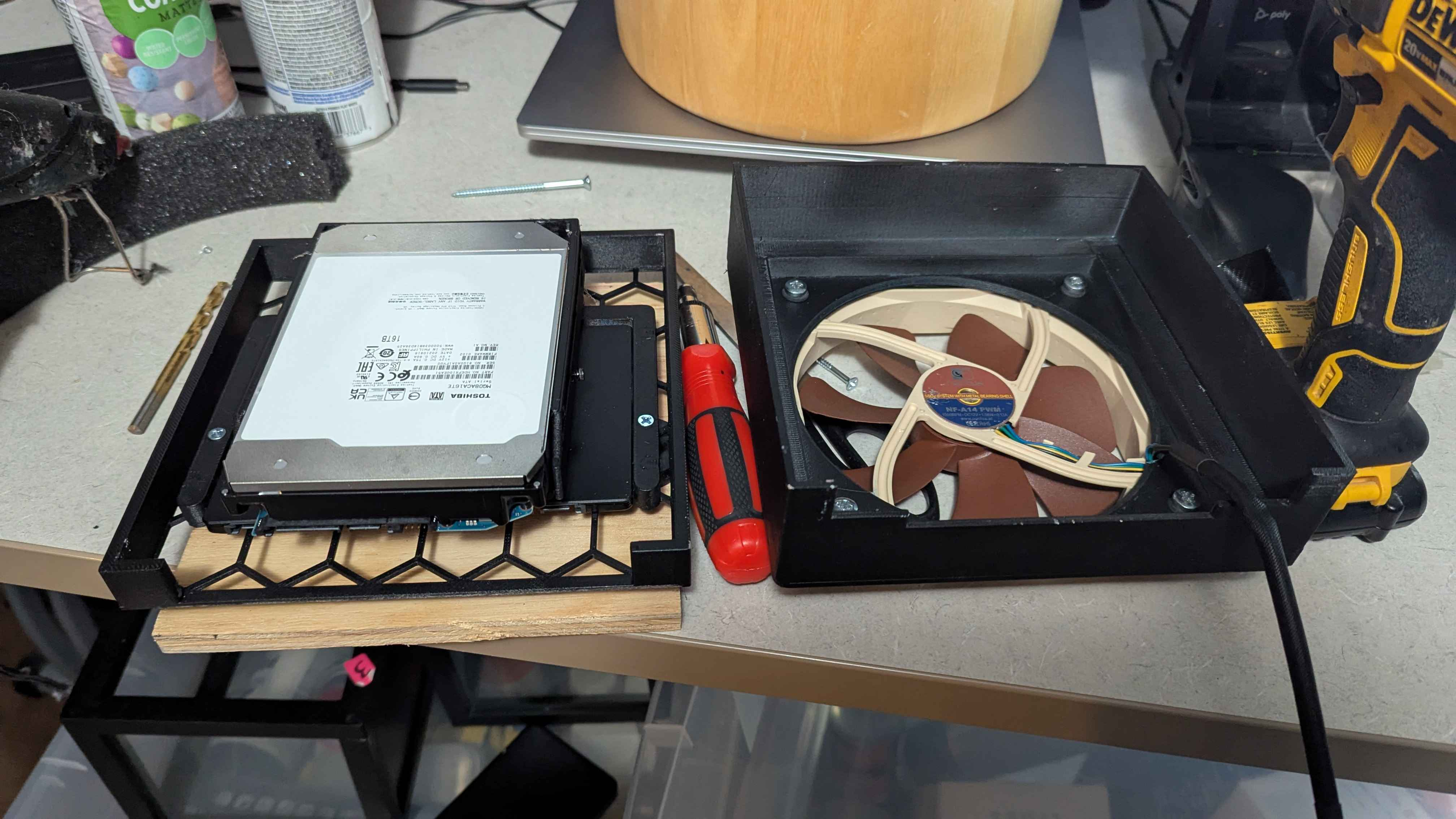
6/22/26
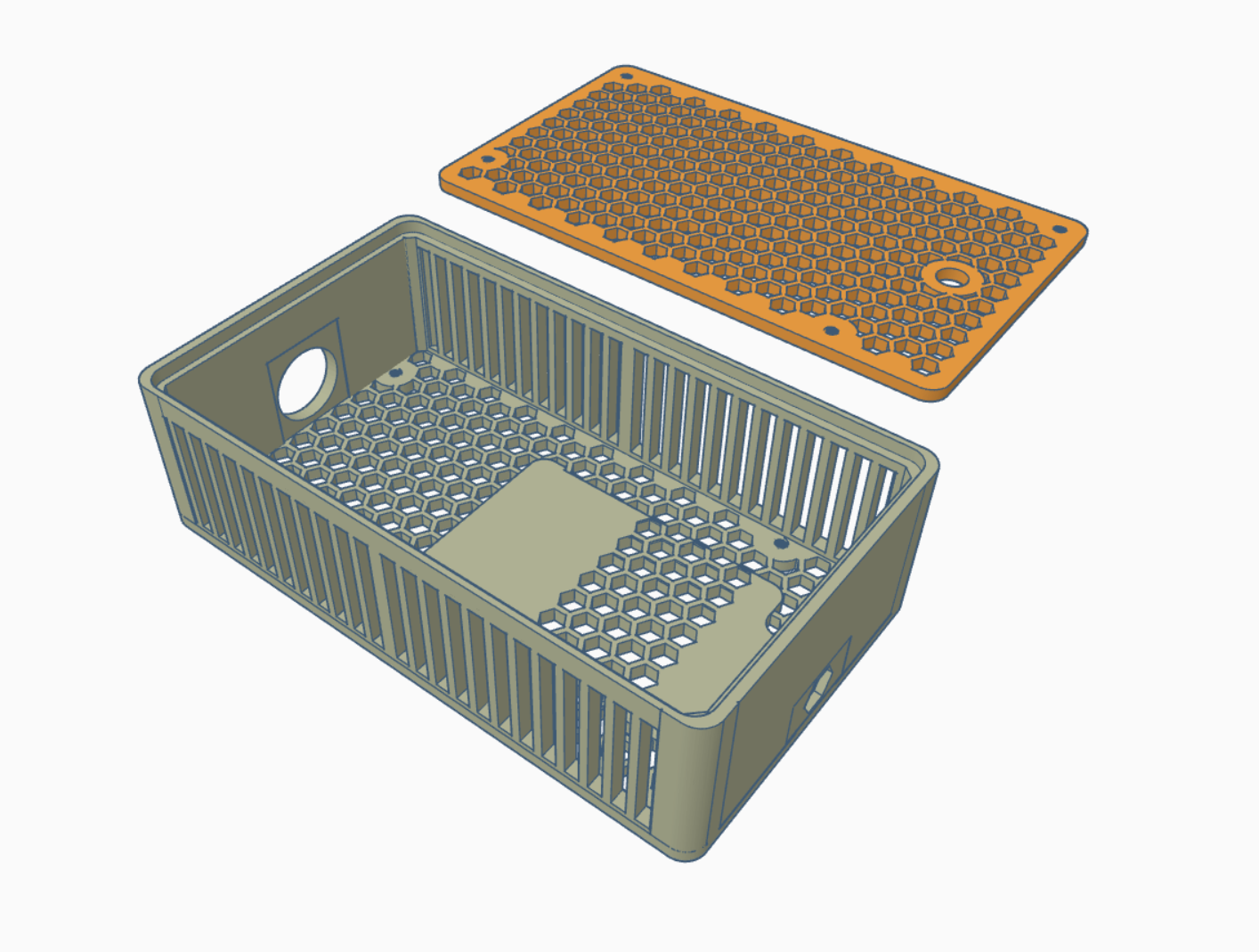
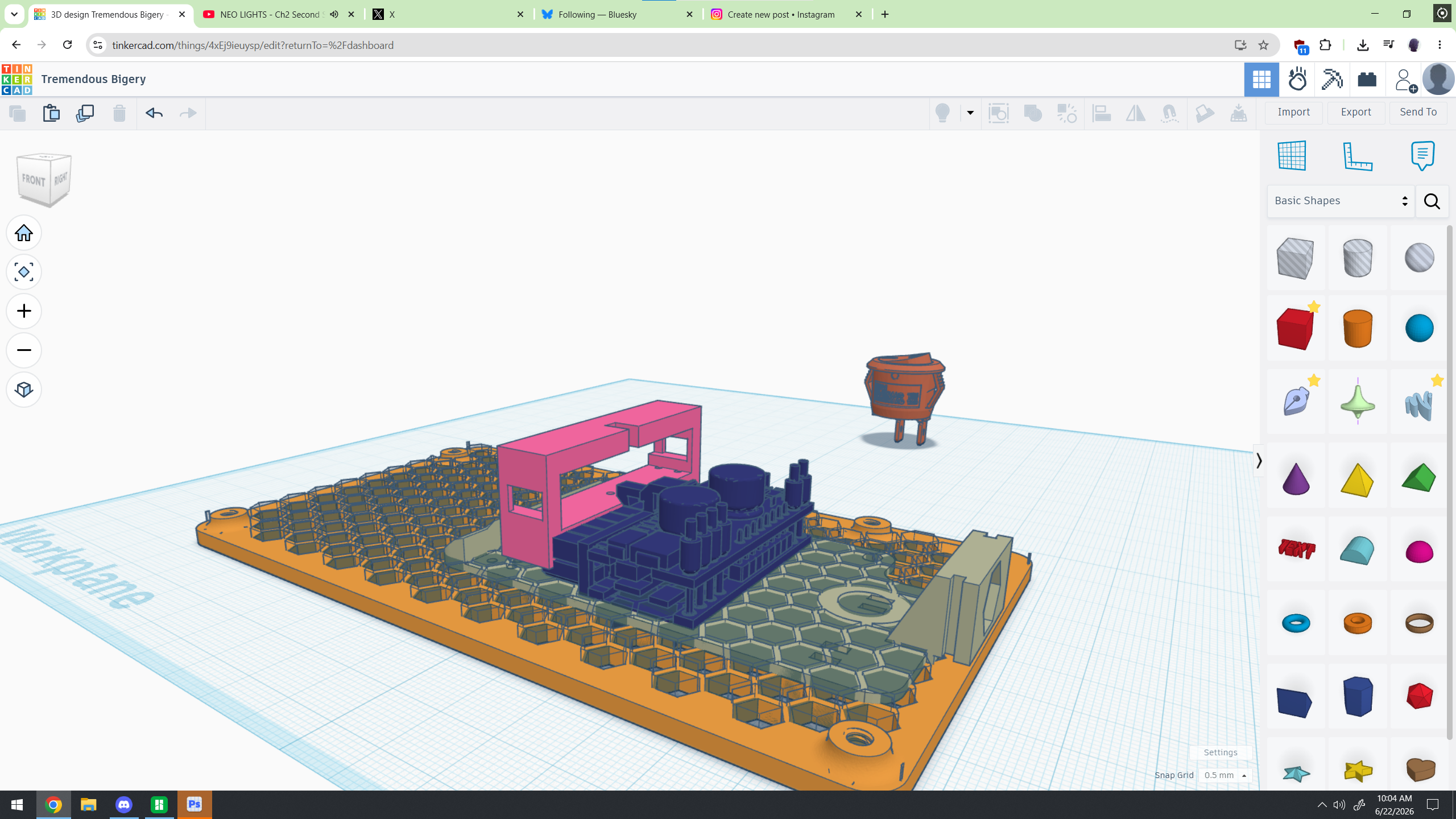
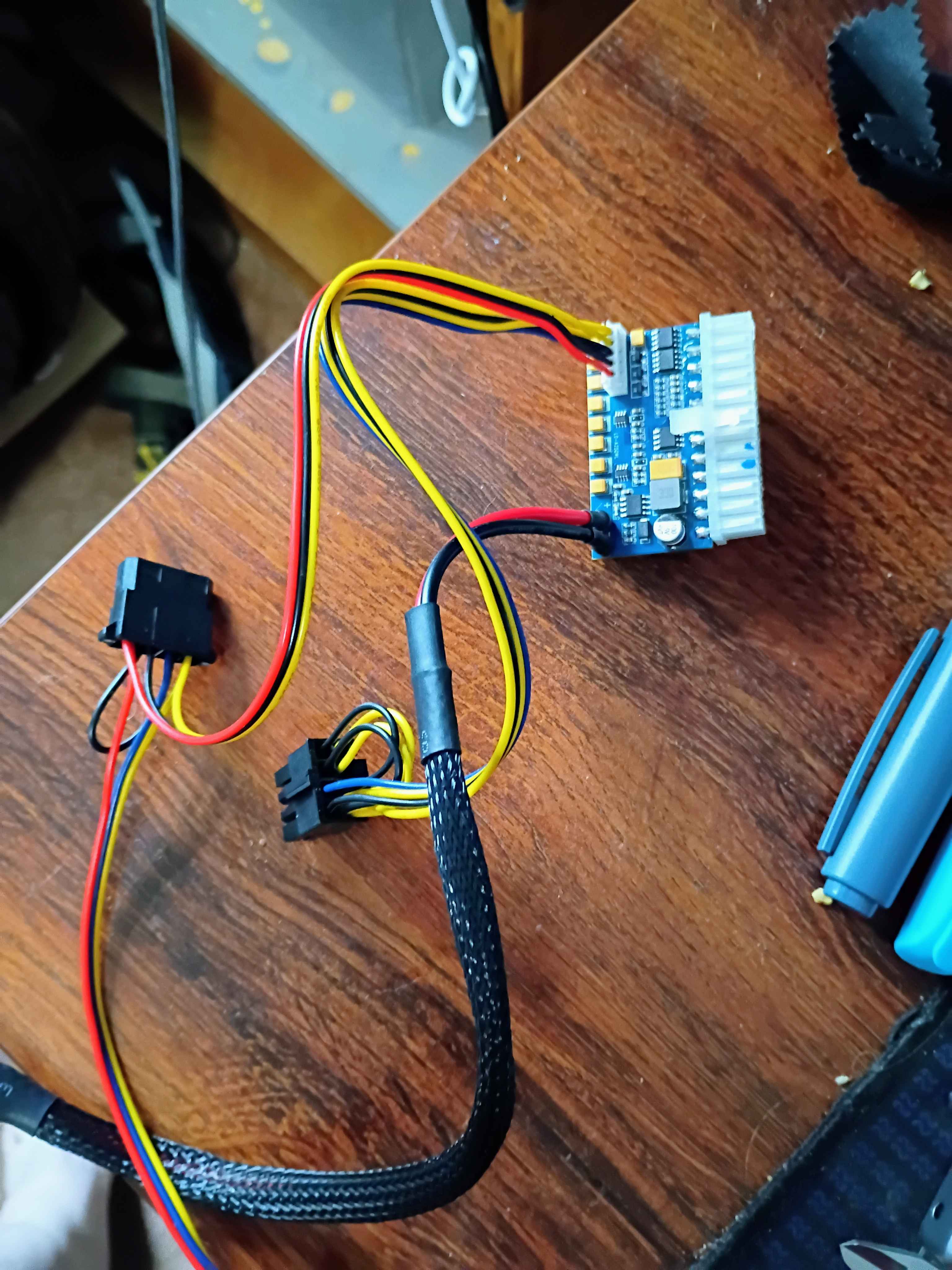
Started to work on an enclosure for the PicoPSU to power the hard drives.
6/24/26
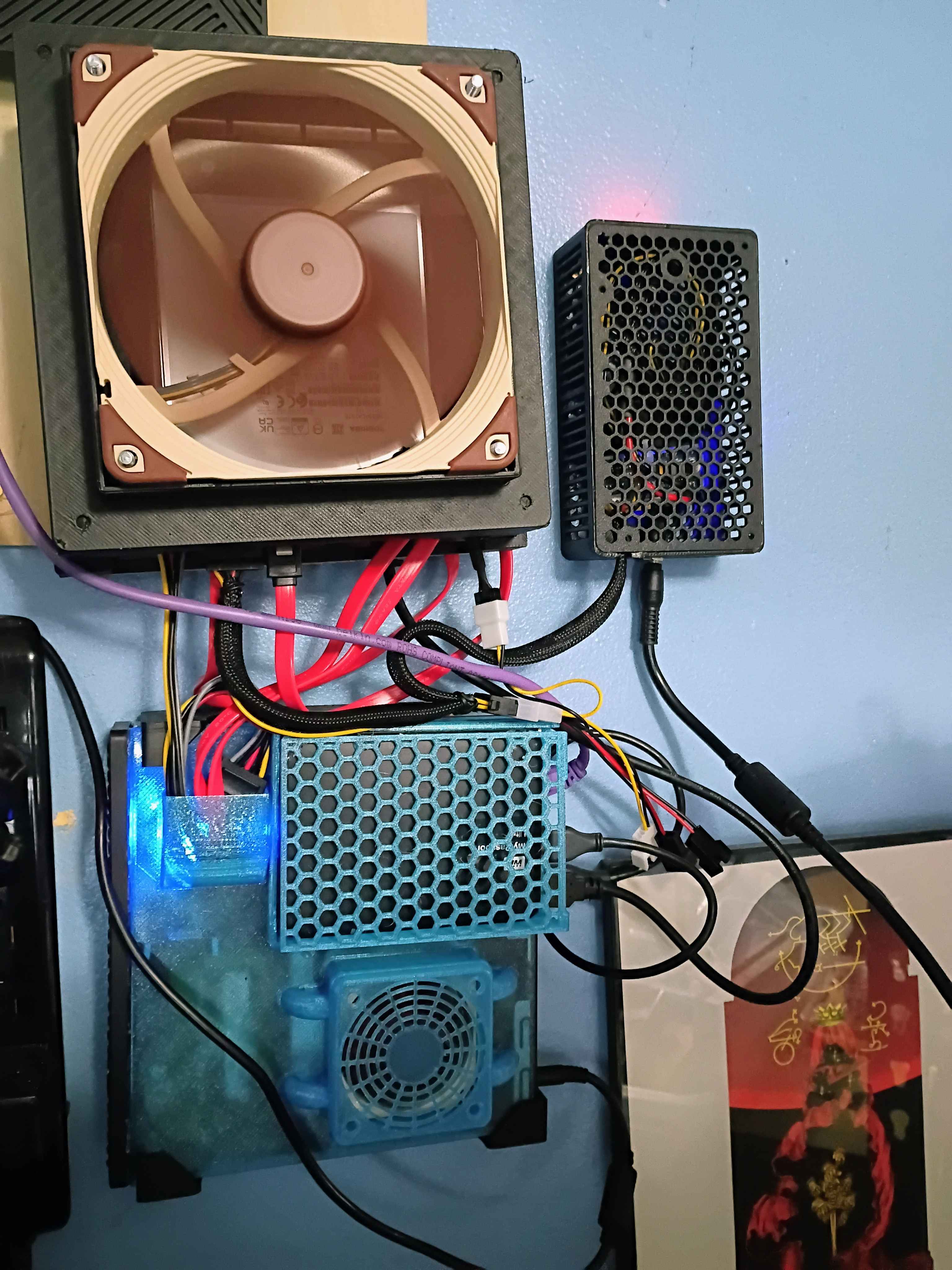
Got it all wall mounted and working and.... I hate it. Looks messy.
6/29/26
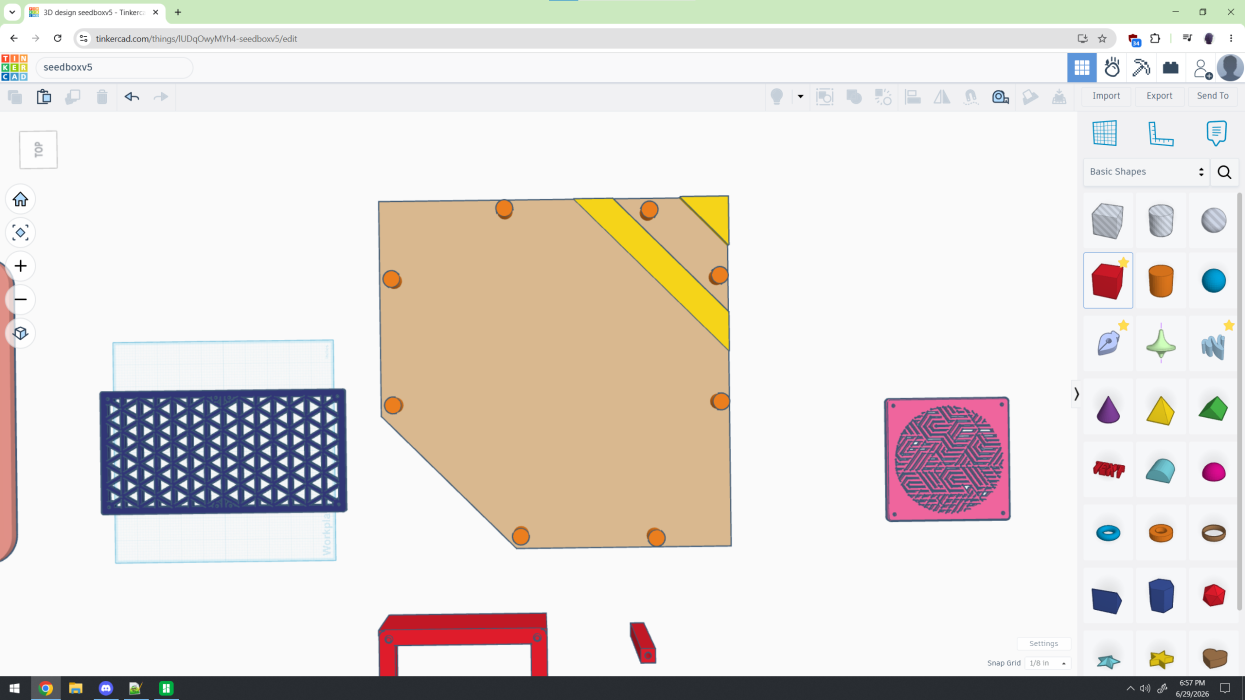
Started to plan out the replacement.
6/30/26
7/8/26
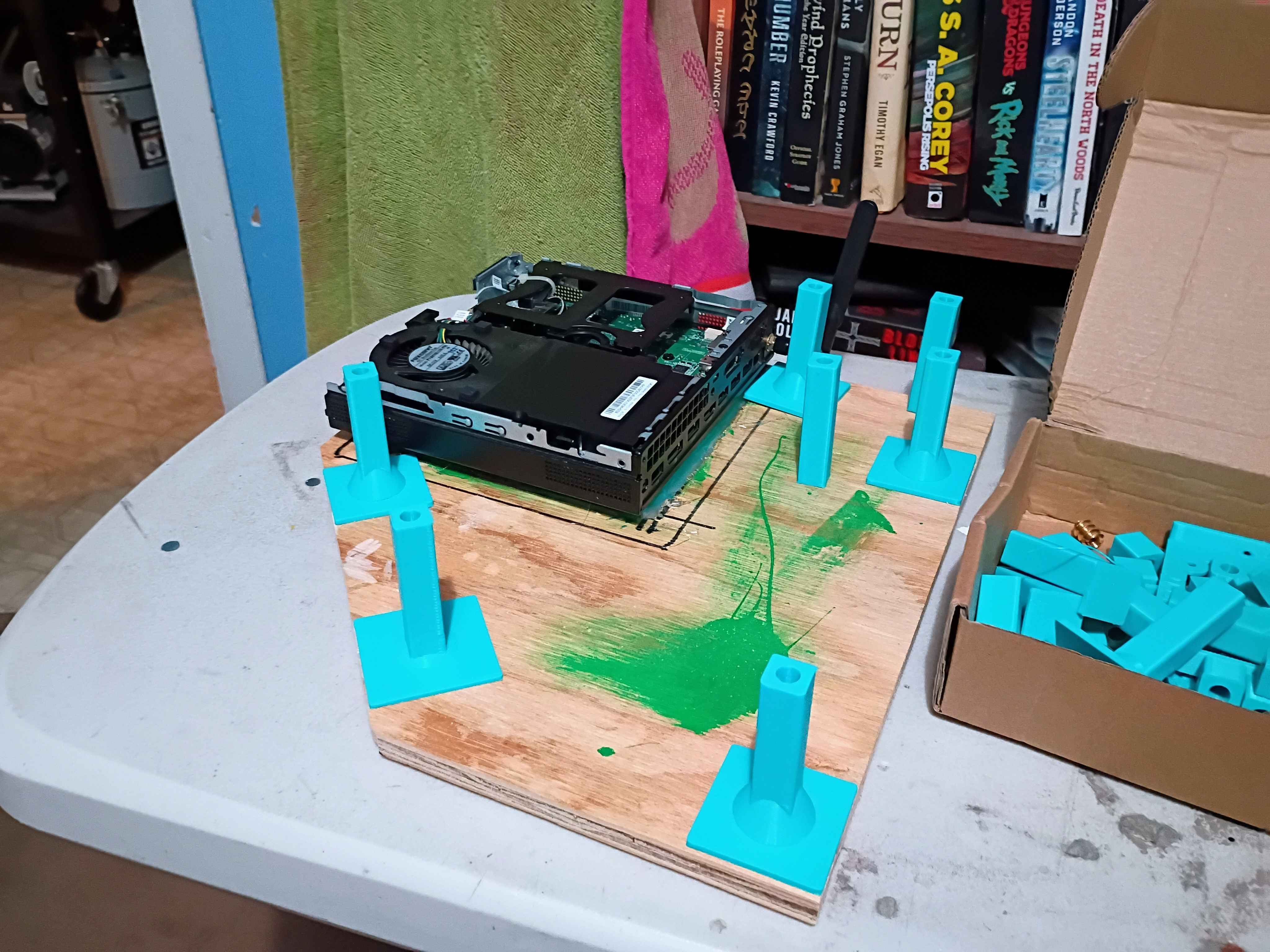
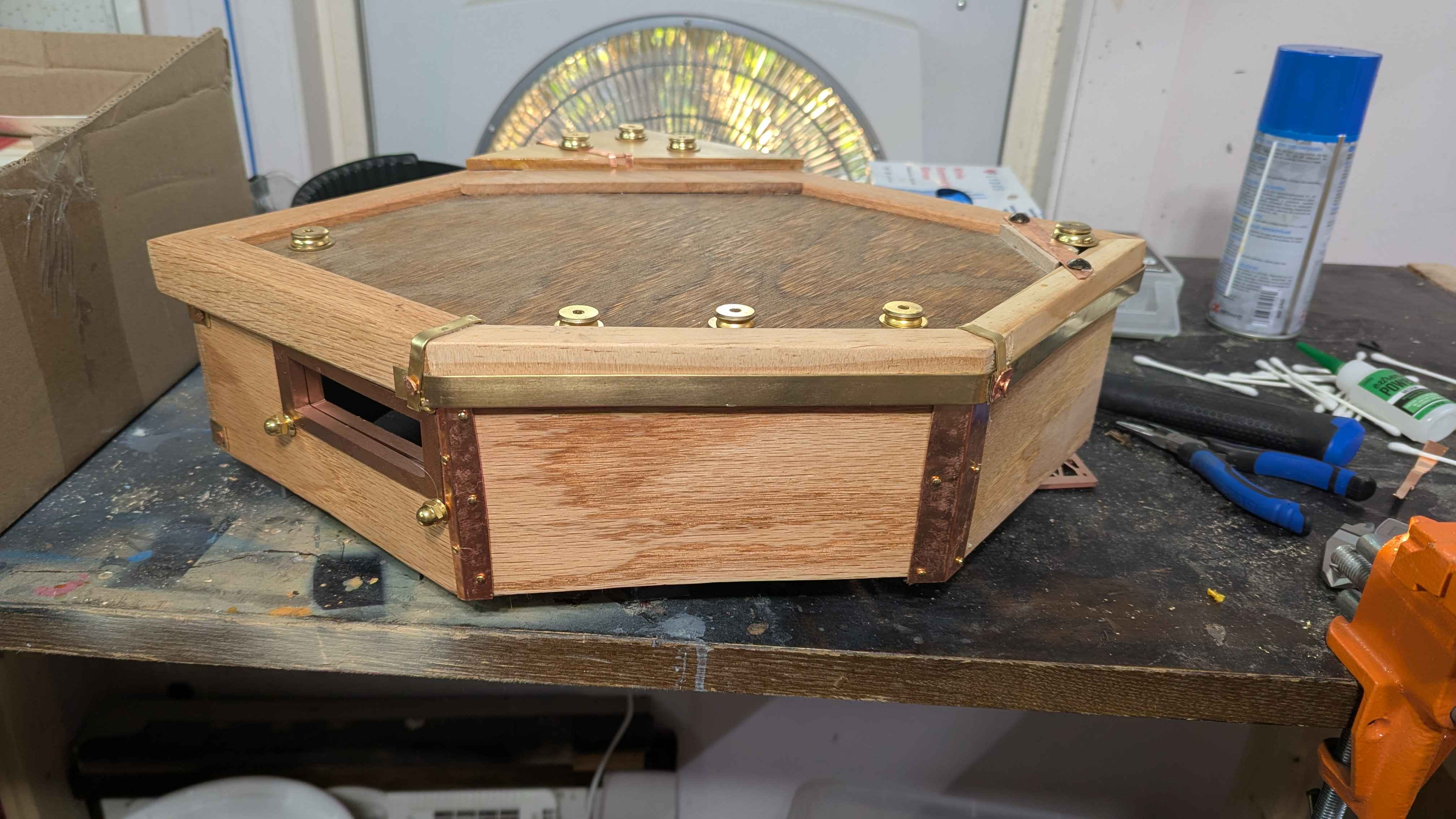
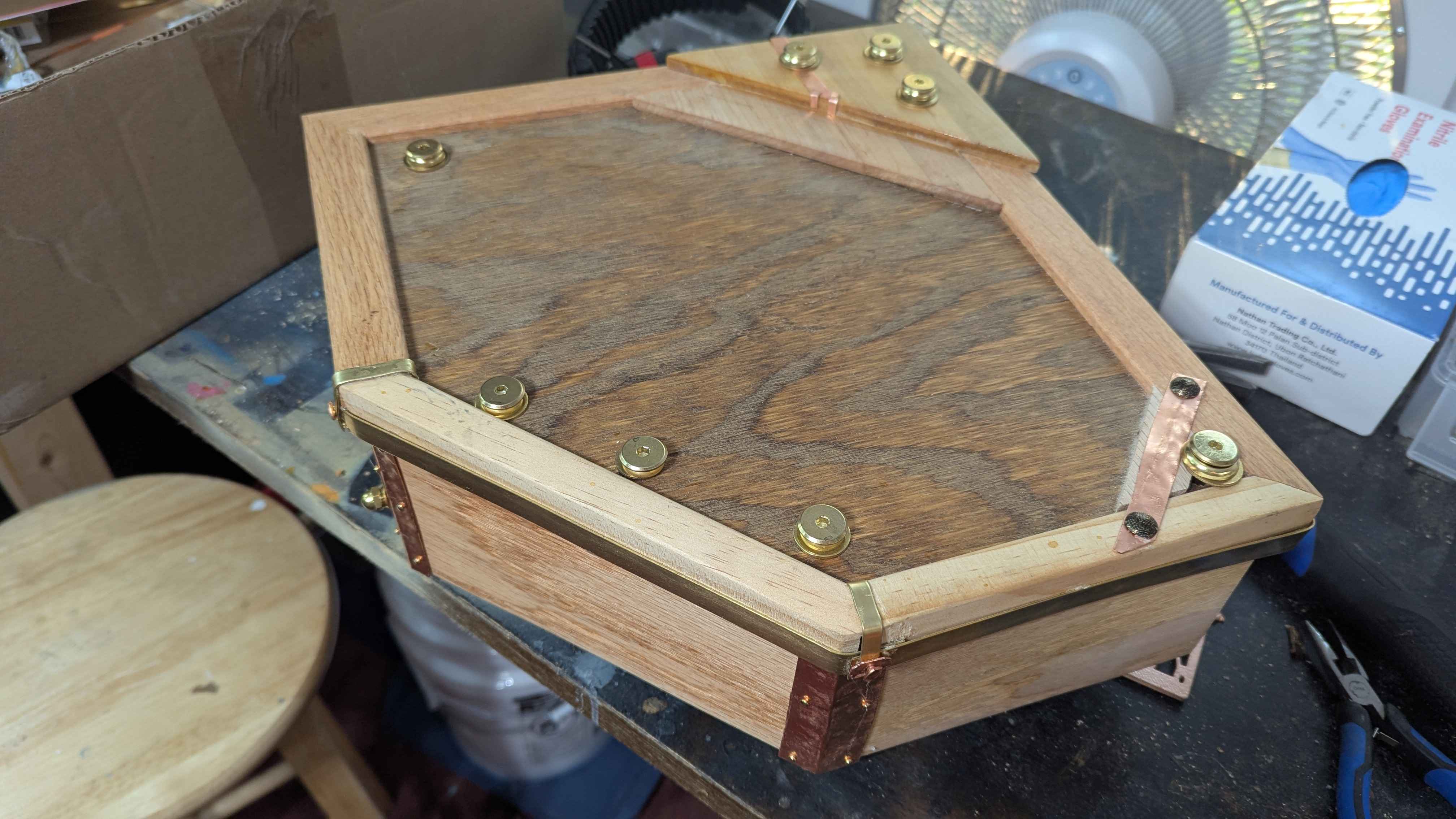
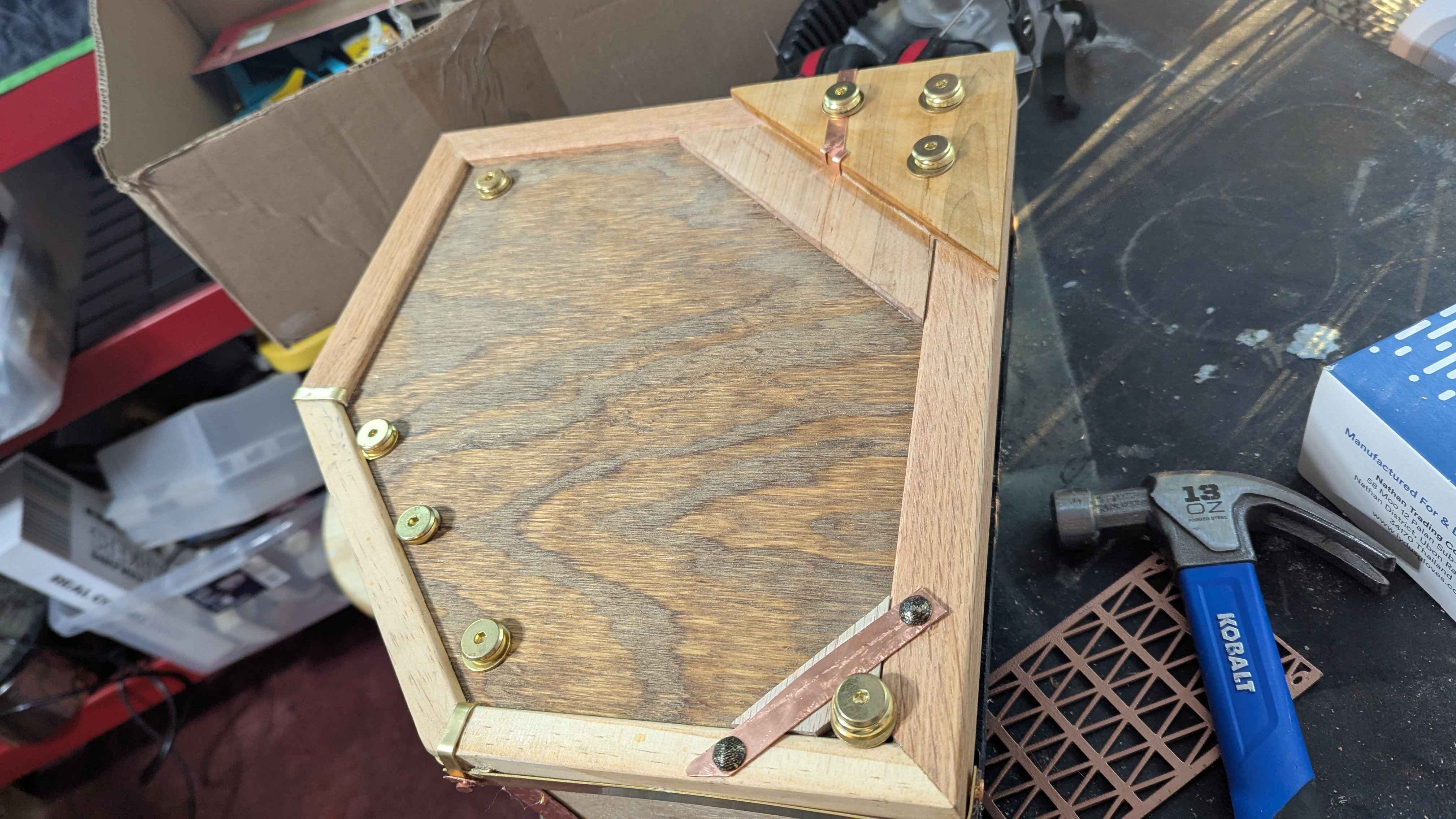
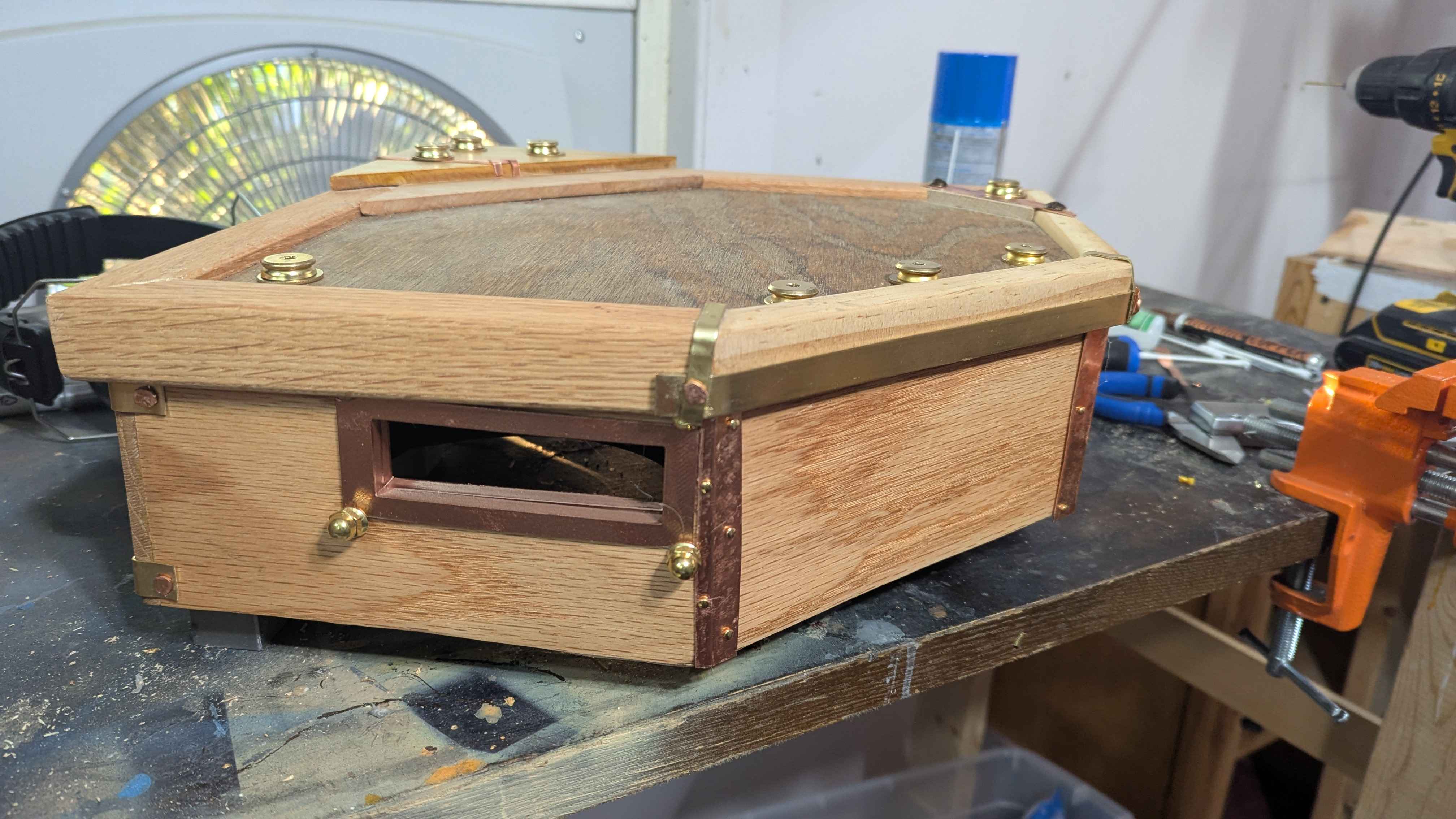
Got it built and just need to wall mount it now. Hot glue is mostly just to seal the box. Wood glue and super glue is the actual structural support. Used furniture threaded inserts and melted them into the plastic posts to screw in the cover.
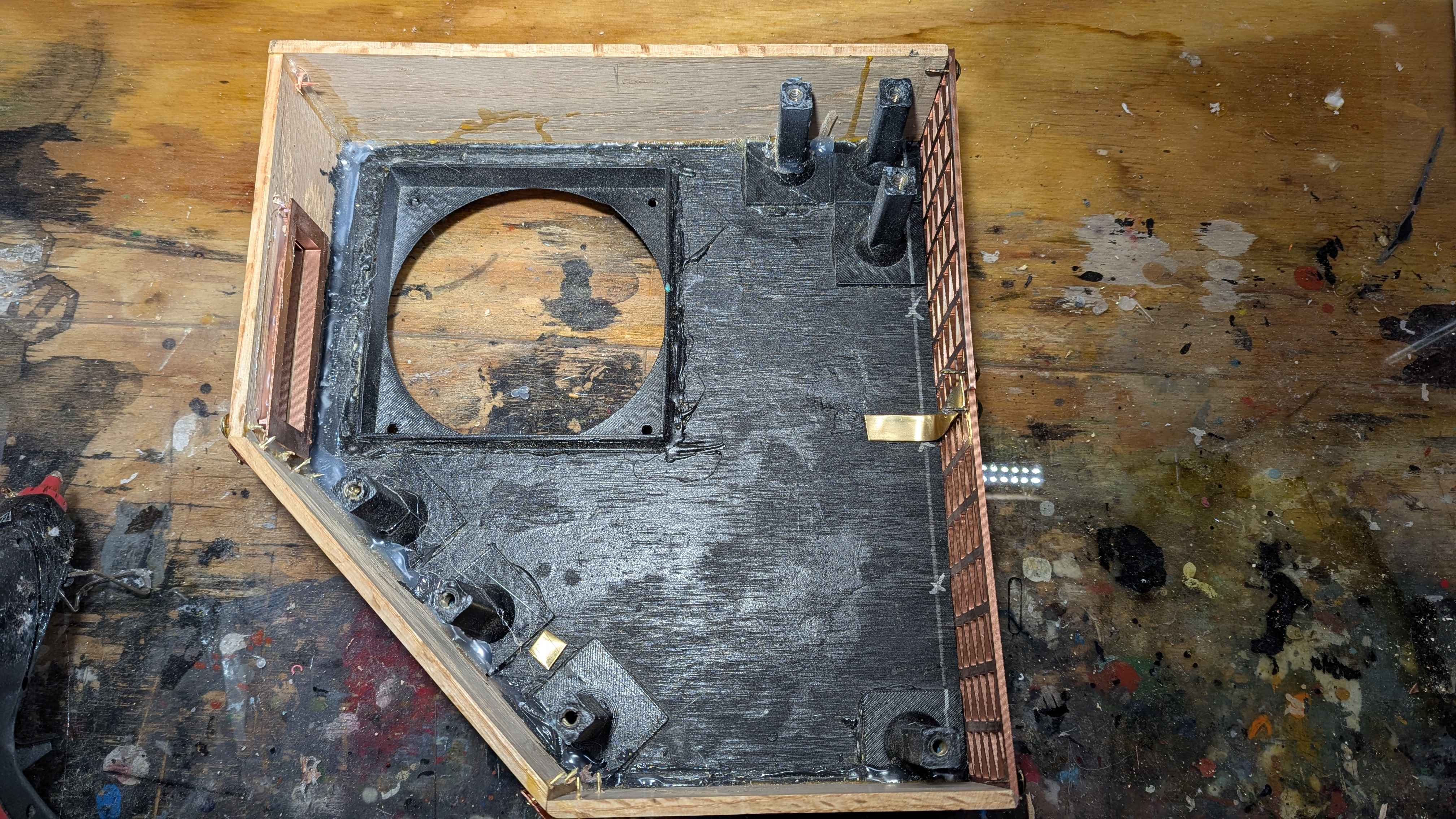
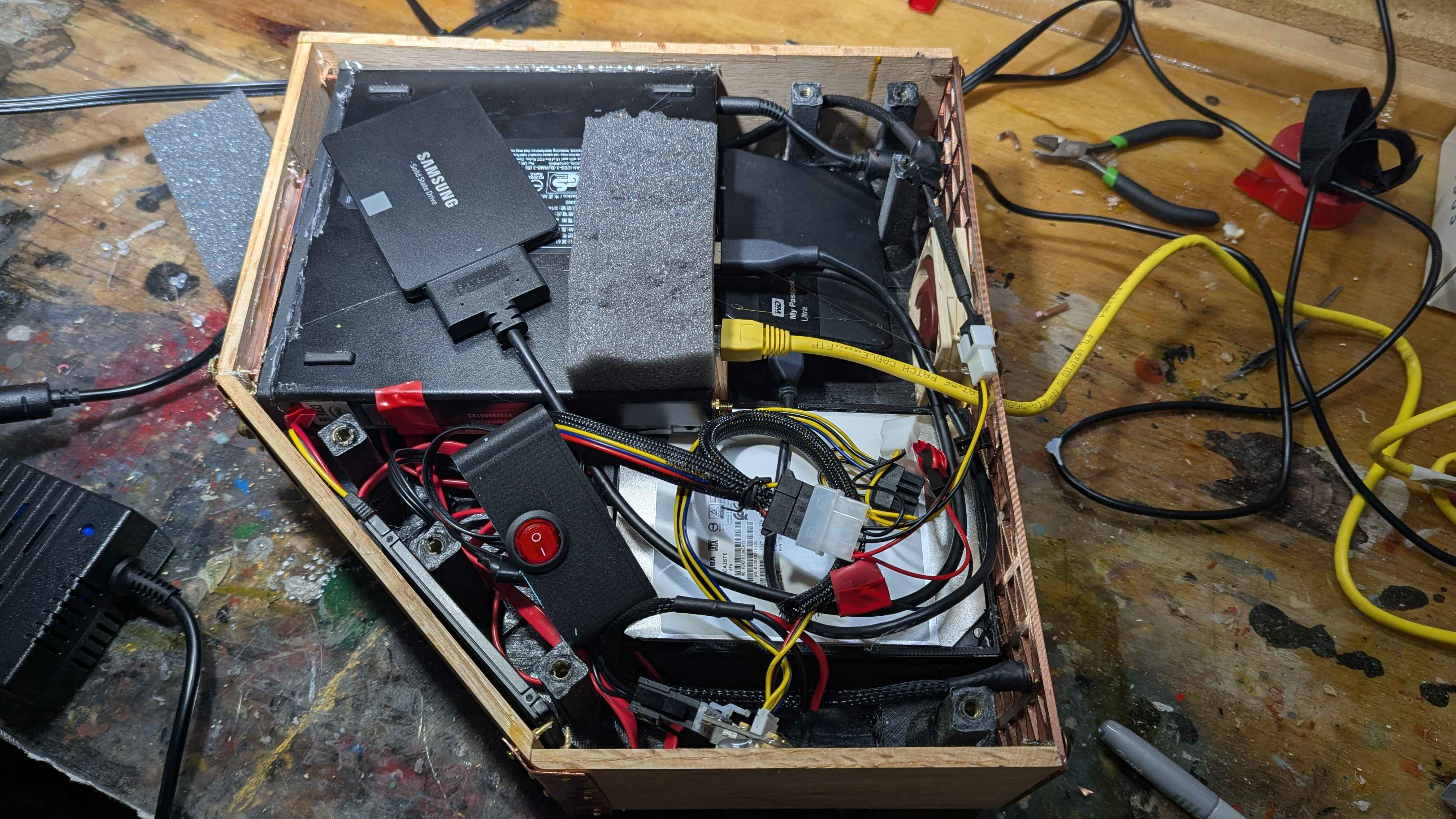
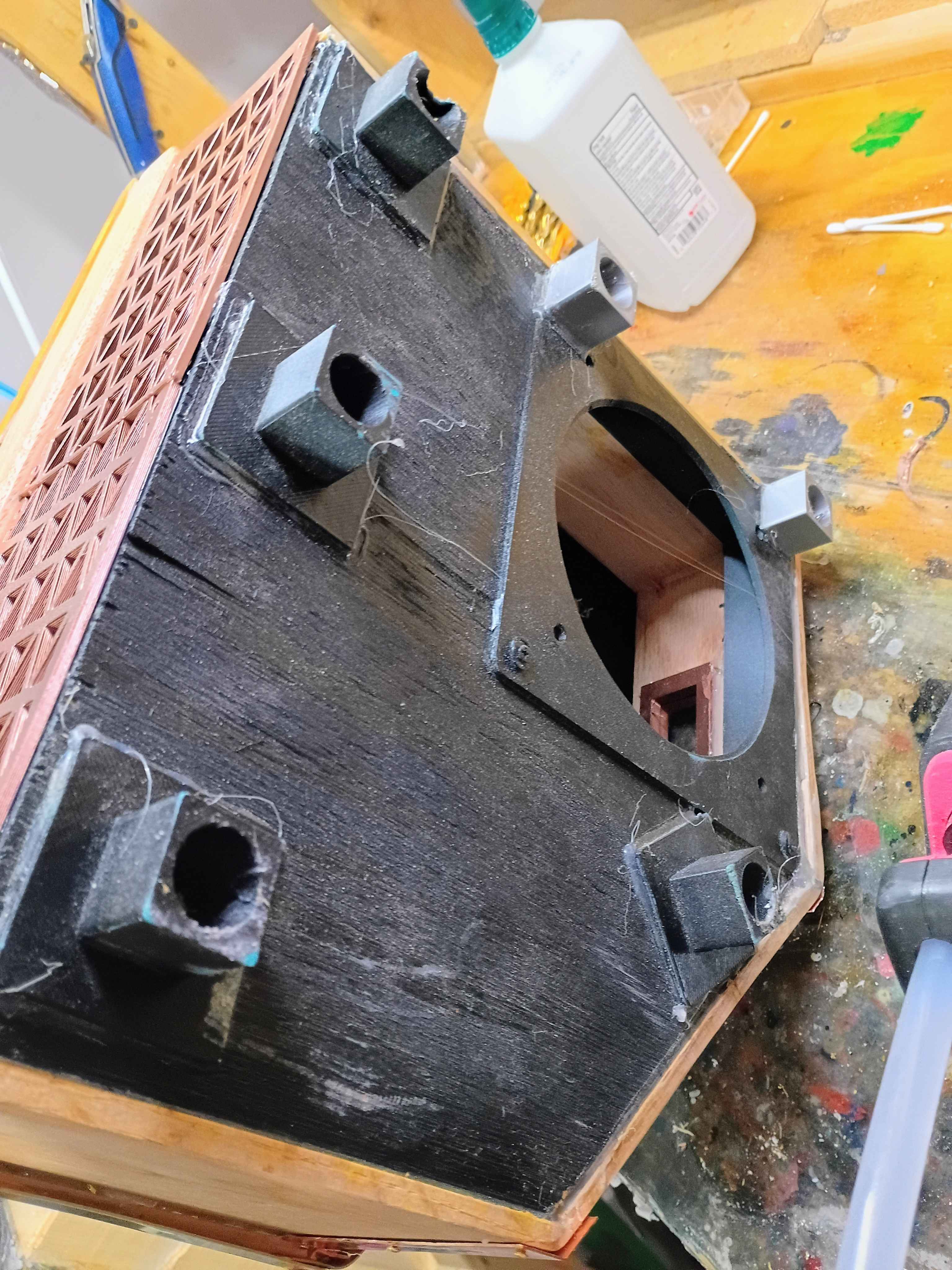
These feet actually turned out to be a pain. Originally designed to use them to wall mount, in the end they just got very much in the way.
7/10/26
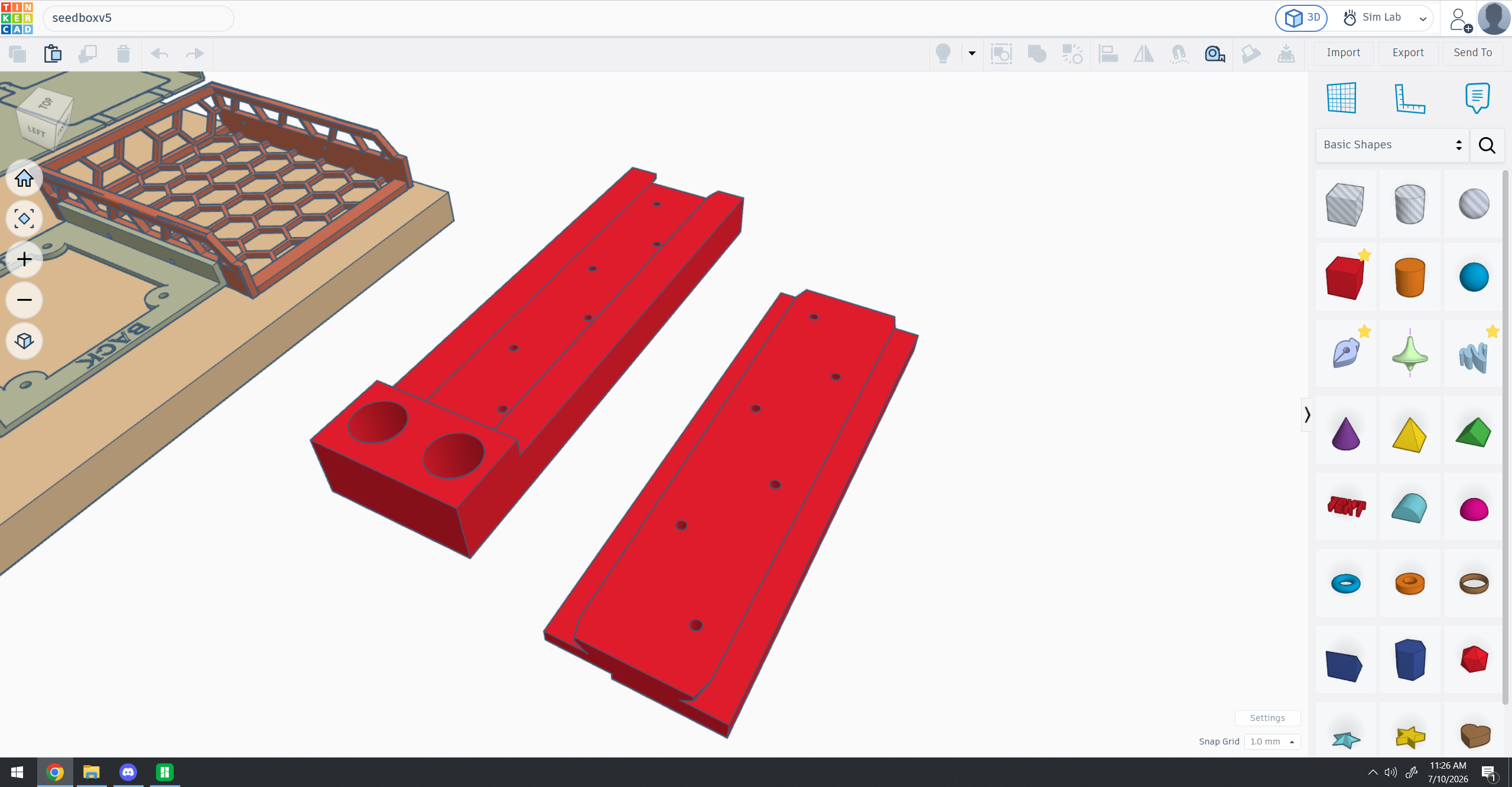
Big honking slide mount
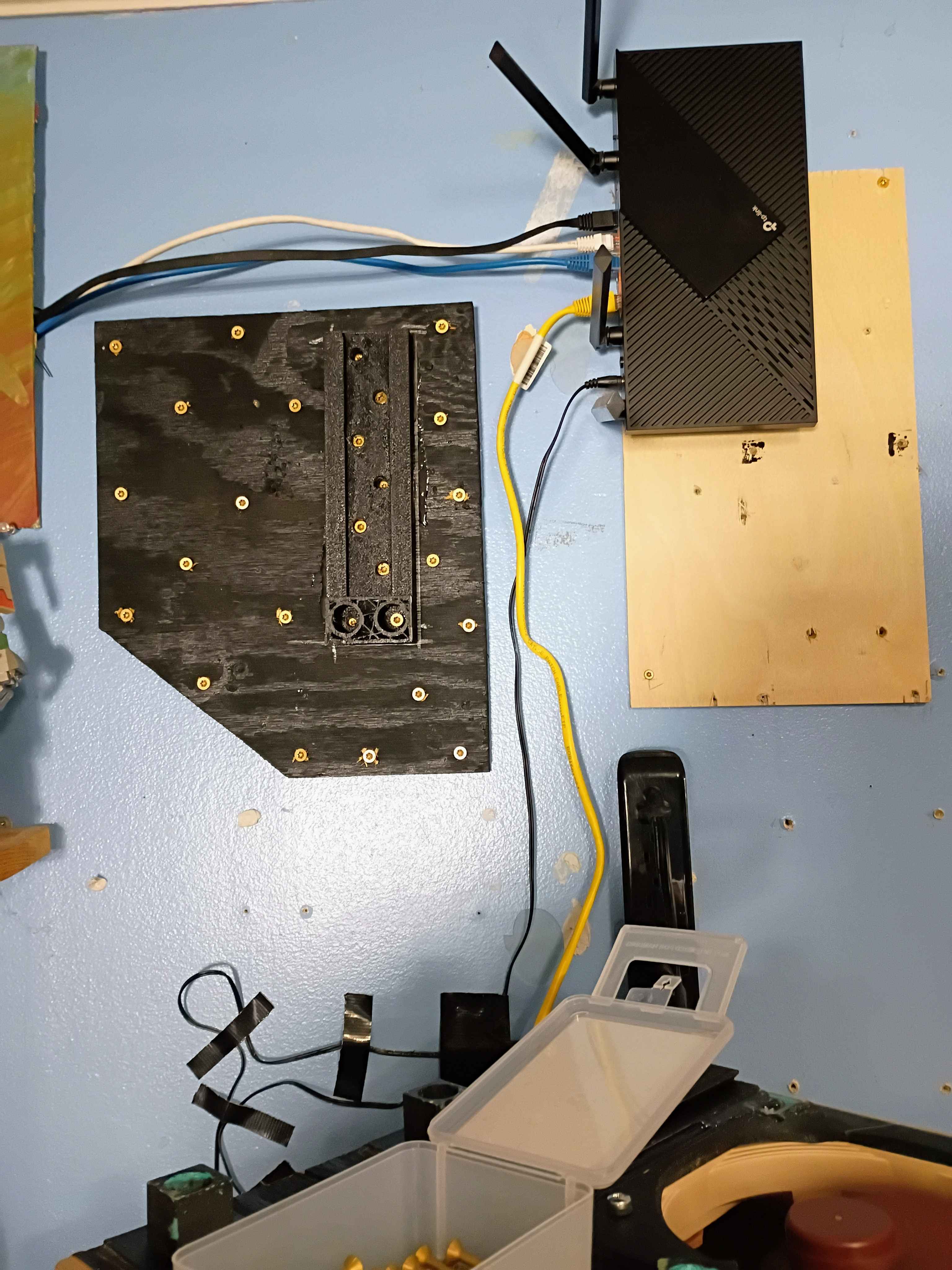
MORE SCREWS!
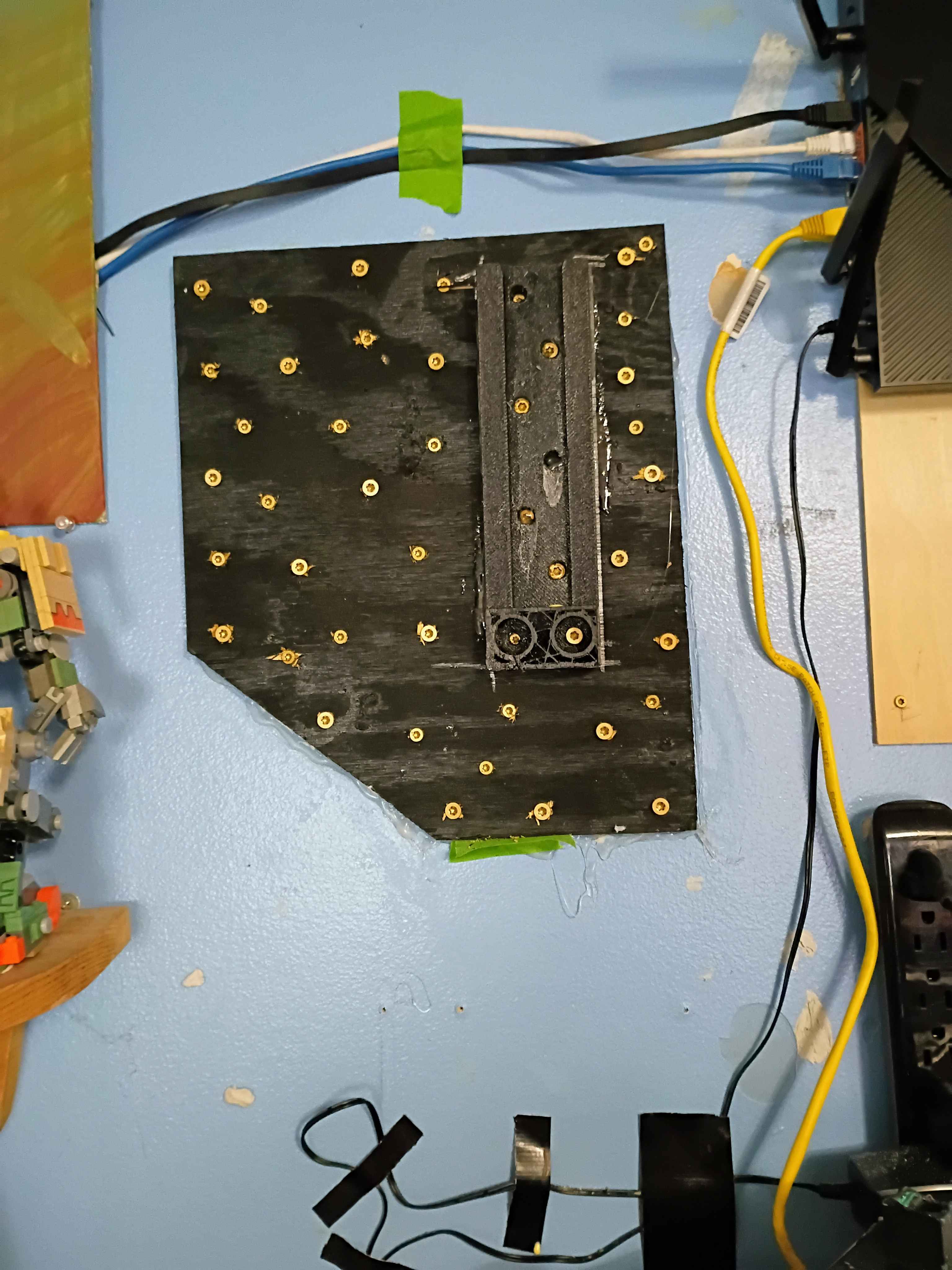
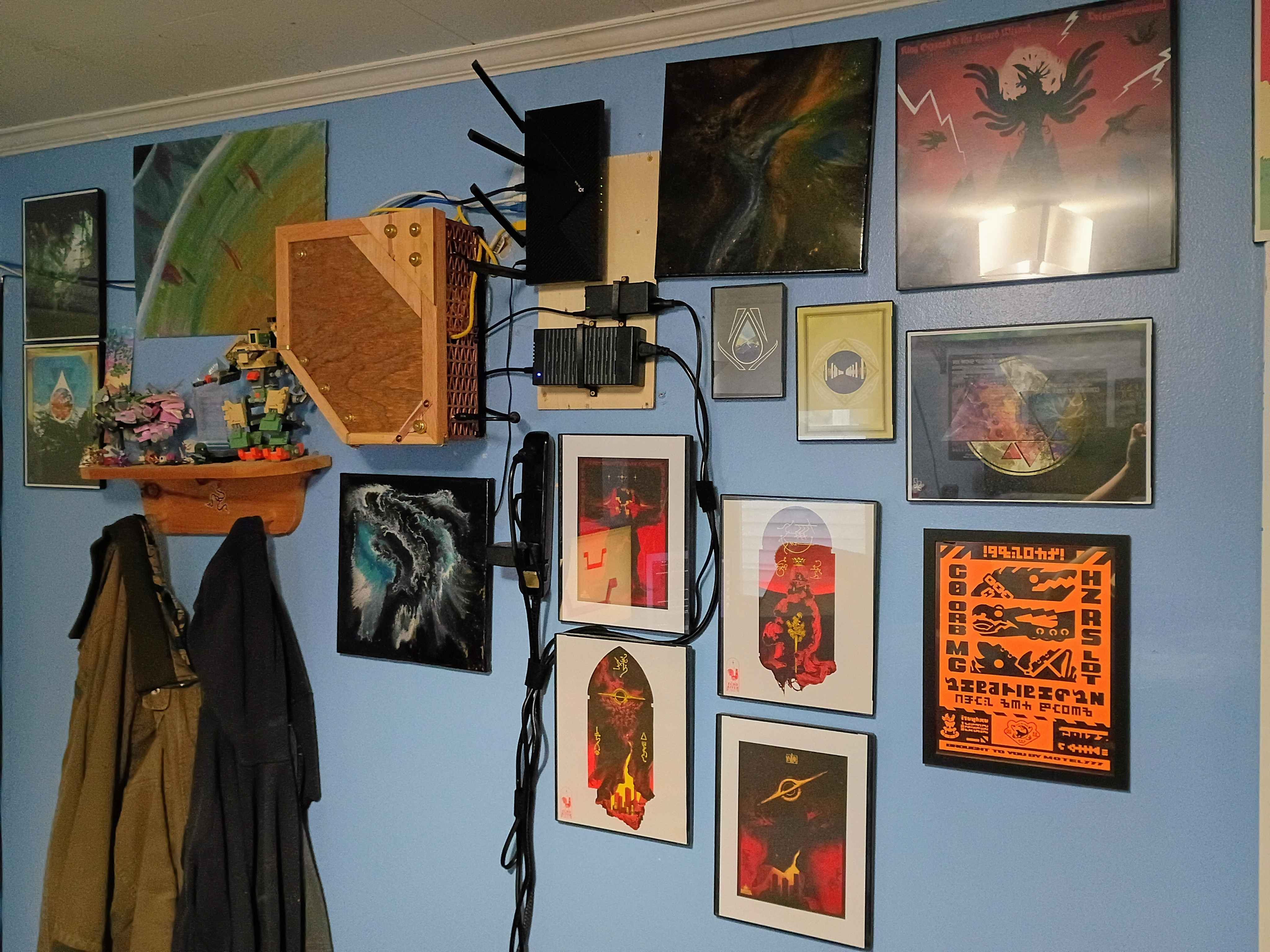
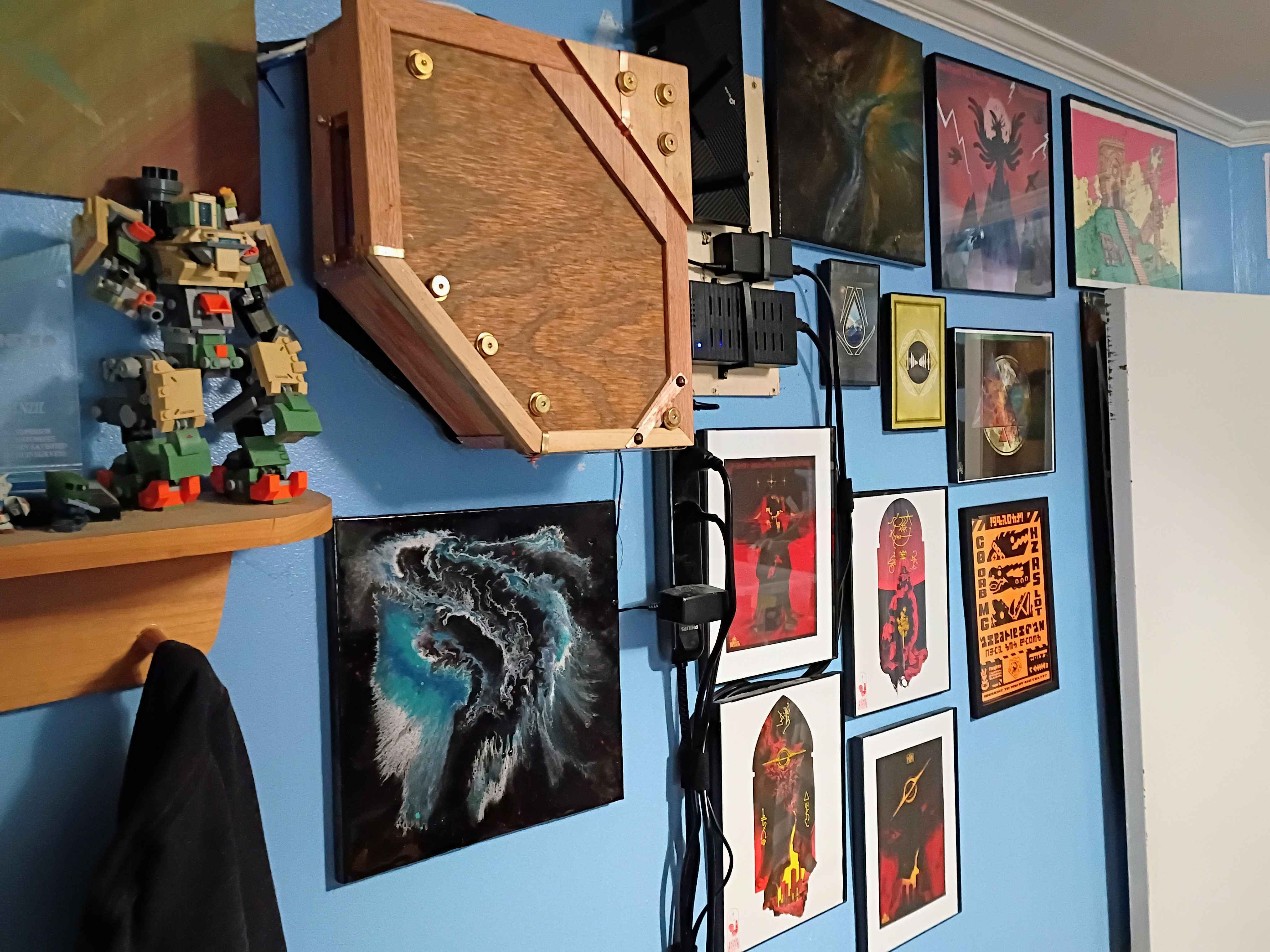
I love it. Though it is a tiny bit too loud. Only bothers me if my main PC is off though, so gonna just pretend I don't hear it.
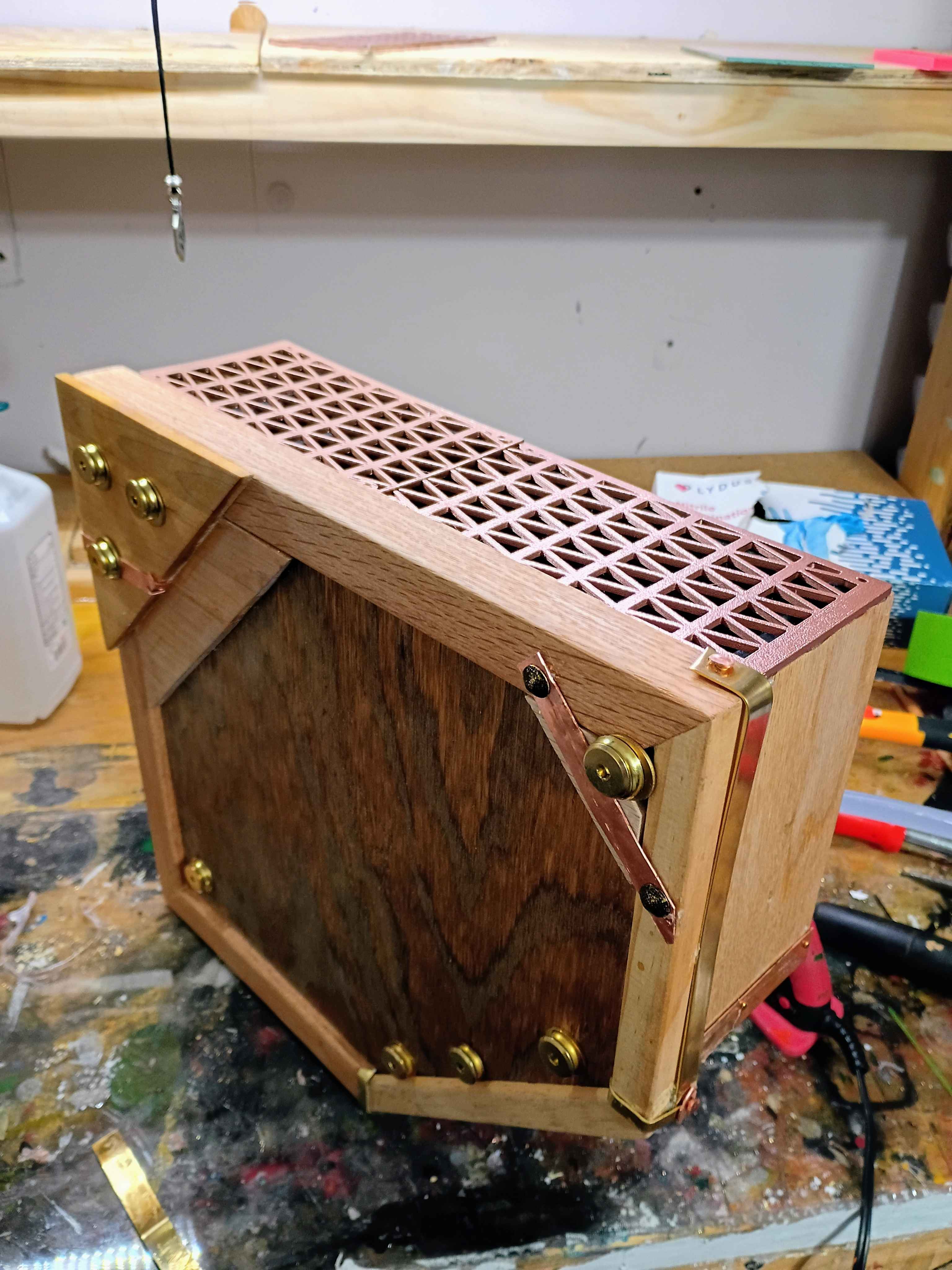
New case is made of copper, brass, bronze for metals, and red maple, oak, poplar, and pine for the wood. Mostly used Danish oil, a tiny bit of shellac in the upper right triangle part.